
After launching a new web app you and your team can follow along The Web Building Project Plan.
Complete all the onboarding projects plans along your journey to launching a Digital Business!


Reflect Your Brand Throughout Your Web App
Begin with a strong foundation.
Benefit from pre-integrated tools that accelerate your web app’s launch while maintaining brand consistency. We establish your digital branding and align it with your online presence.
Setting your digital brand rules is the first step to creating your dream branded Web App
Choose Project Plan To Start:
In This Section We Will Complete The Following Section
Brand Your Business Accross The Web
Establish Branding Consistancy Easily Updated As you evolve
Brand Your Theme And Pages To make building easy!
Lorem ipsum dolor sit amet, consectetur adipiscing elit, sed do eiusmod tempor incididunt ut labore et dolore magna aliqua. Ut enim ad minim veniam, quis nostrud exercitation ullamco laboris nisi ut aliquip ex ea commodo consequat. Duis aute irure dolor in reprehenderit in voluptate velit esse cillum dolore eu fugiat nulla pariatur. Excepteur sint occaecat cupidatat non proident, sunt in culpa qui officia deserunt mollit anim id est laborum.
Lorem ipsum dolor sit amet, consectetur adipiscing elit, sed do eiusmod tempor incididunt ut labore et dolore magna aliqua. Ut enim ad minim veniam, quis nostrud exercitation ullamco laboris nisi ut aliquip ex ea commodo consequat. Duis aute irure dolor in reprehenderit in voluptate velit esse cillum dolore eu fugiat nulla pariatur. Excepteur sint occaecat cupidatat non proident, sunt in culpa qui officia deserunt mollit anim id est laborum.

1.12 – Web Account
1.13 – Page Management
Project Deliverables:
Setting Site Logo
Matching Brand Style Guide
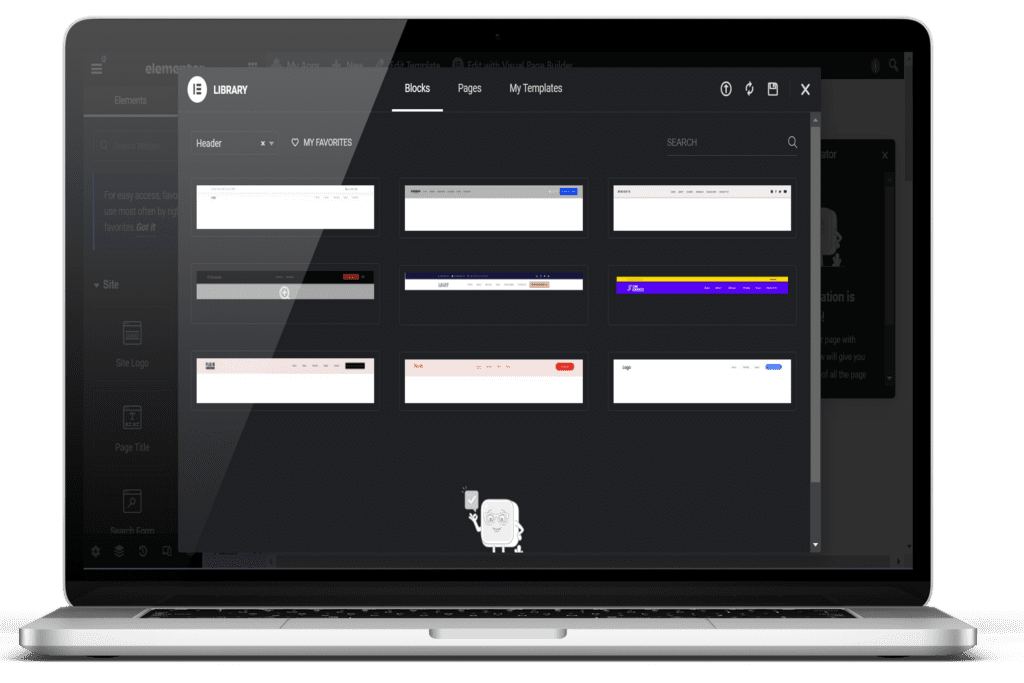
Header

Design a responsive header for site logos and menus. Ensure your header is visually appealing and navigable on all devices.
- Responsive Design: Adapt to different screen sizes.
- Brand Integration: Incorporate your logo and brand elements.
- Navigation: Provide easy access to key sections of your web app.
Footer
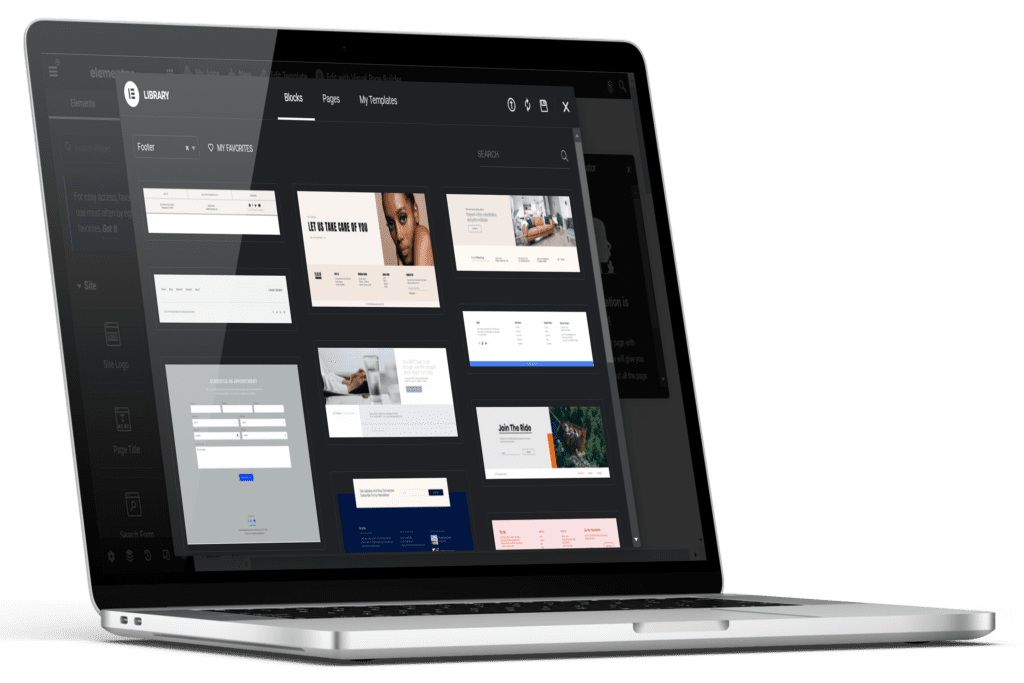
Build Your Footer ( More Info)
Create a footer for additional information and legal links. Your footer will provide essential details and improve site navigation.
- Legal Links: Include links to terms and conditions, privacy policy, etc.
- Contact Information: Display contact details and social media links.
- Additional Navigation: Offer shortcuts to important pages.
Single Post Template
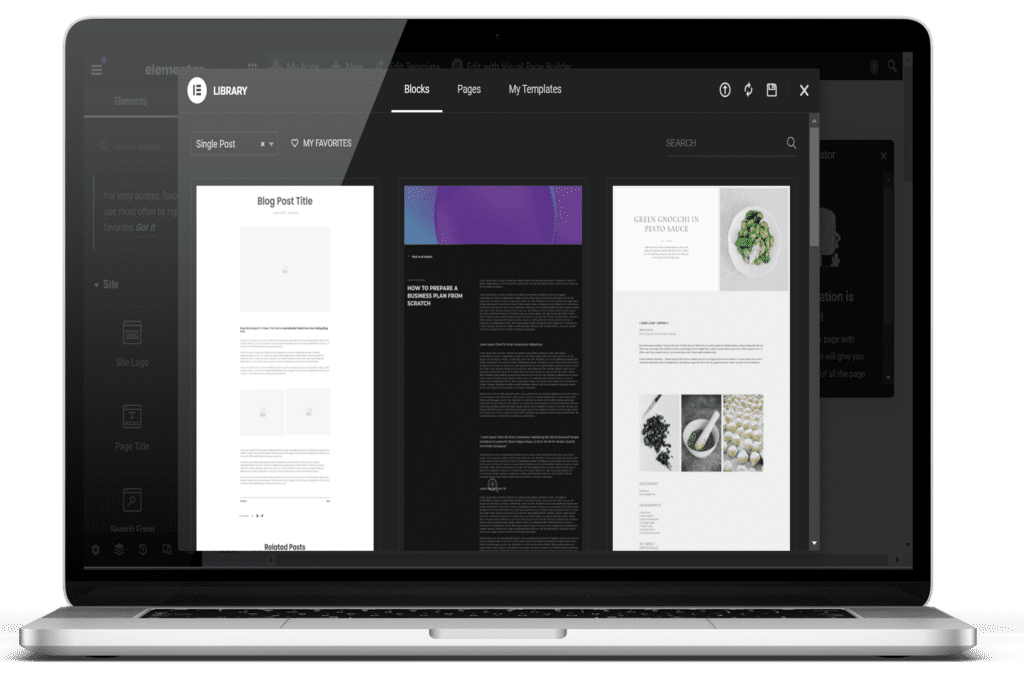
Standardize blog and social post designs. Ensure consistency in appearance and functionality for all your posts.
- Consistent Layout: Maintain a uniform design across all posts.
- Engagement Tools: Include comment sections, social sharing buttons, etc.
- Visual Appeal: Use images, videos, and other media effectively
Single Page Template
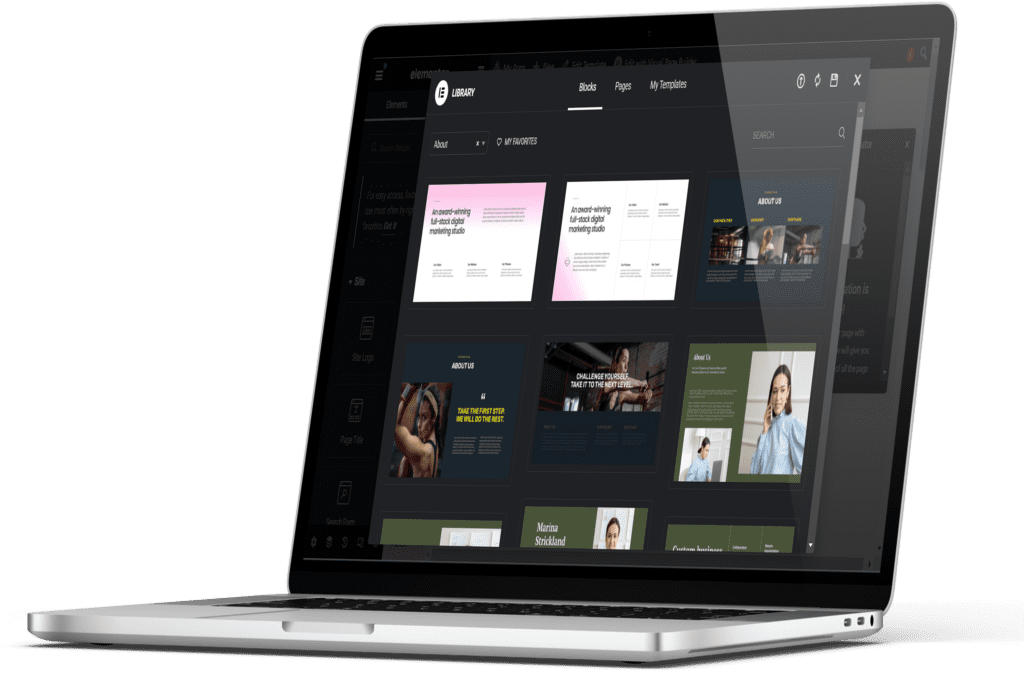
Standardize all page layouts. Create a cohesive look and feel across your entire web app.
- Uniform Design: Ensure all pages have a consistent appearance.
- Flexible Layouts: Adapt templates to different content types.
- Brand Consistency: Maintain your brand’s look and feel throughout.
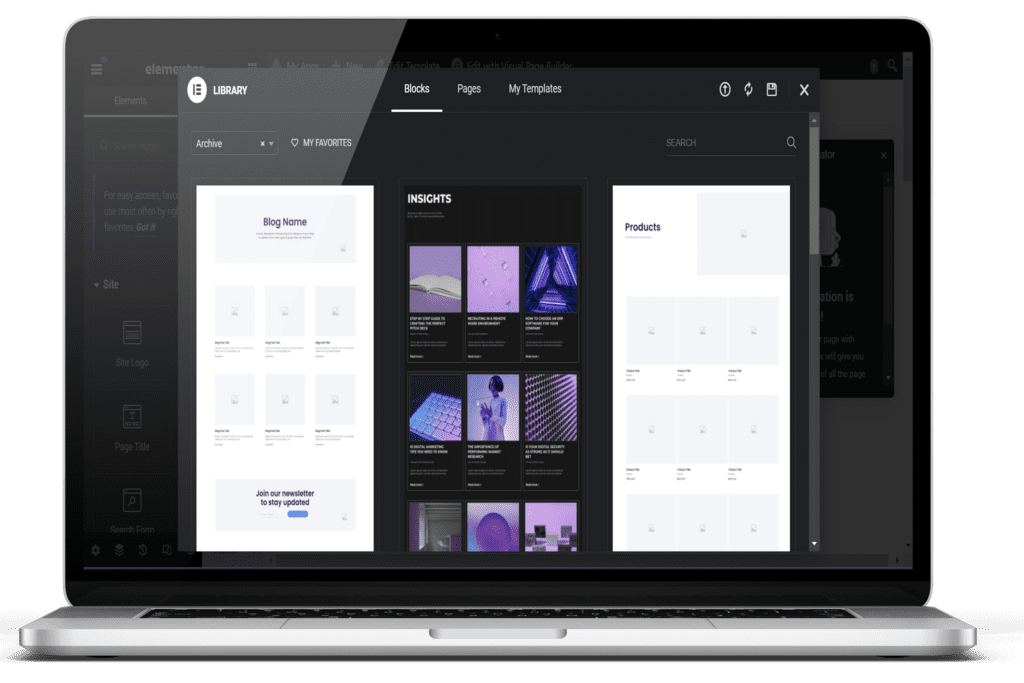
Archives
Design archive pages for content feeds. Organize and display your past content efficiently.
- Organized Layout: Arrange content in a user-friendly manner.
- Filter Options: Allow users to filter content by date, category, etc.
- Search Functionality: Enable easy searching of archived content.
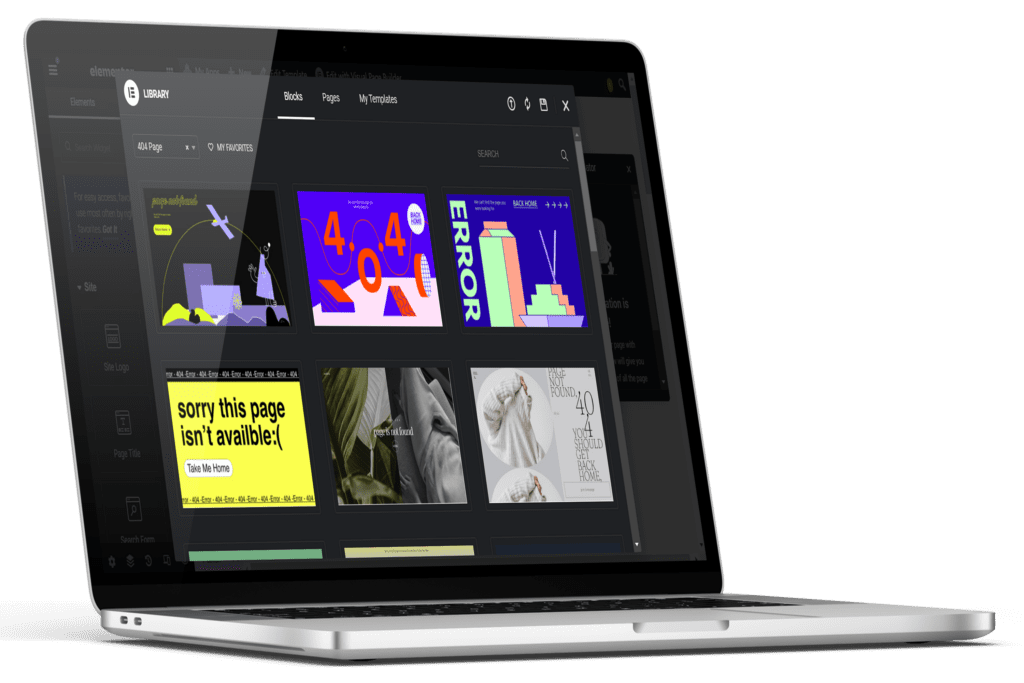
Error 404
Customize error pages for a consistent user experience. Ensure your 404 pages align with your brand and guide users back to useful content.
- Branding: Maintain your brand’s design elements.
- Helpful Links: Provide navigation options to return to active pages.
- Custom Messages: Use friendly and informative error messages.
Email Template
Your Web App will send automated emails for various interactions, such as registration confirmations or password resets. Branded emails are trusted more than plain text, so ensure they reflect your brand. Easily manage and control your branded Web App email templates.
- Consistent Branding: Align email design with your web app’s look and feel.
- Automation: Set up automated email responses for common interactions.
- Customization: Personalize emails to enhance user engagement.
If you want to view the onboarding form to complete that is included in your project management workspace. Please click here >>>>
Click here to view the theme branding onboarding form
Digitize Your Products & Services with Integrated e-Commerce Features
At this stage, it’s time to brand your customers’ checkout and account experience to provide a cohesive and branded shopping experience. Efficiently manage your users’ entire checkout process, ensuring a seamless flow of information to convert visitors into customers. Take charge of the buyer’s journey from start to finish.
Start your e-commerce journey with gend.me and ensure a seamless, branded shopping experience for your customers!
Choose Project Plan To Start:
1.21 – Buyer’s Journey
1.22 – Customer & Affiliate Sales Accounts
1.23 – Store Emails
Product Page Template
Create visually appealing and effective product pages designed to complete sales. Your product page will showcase detailed descriptions, high-quality images, and key features of each product. Ensure your product pages are optimized for mobile and desktop, providing a consistent and engaging shopping experience.
- Detailed product descriptions
- High-quality images
- Key features and benefits
- Customer reviews and ratings
- Related products suggestions
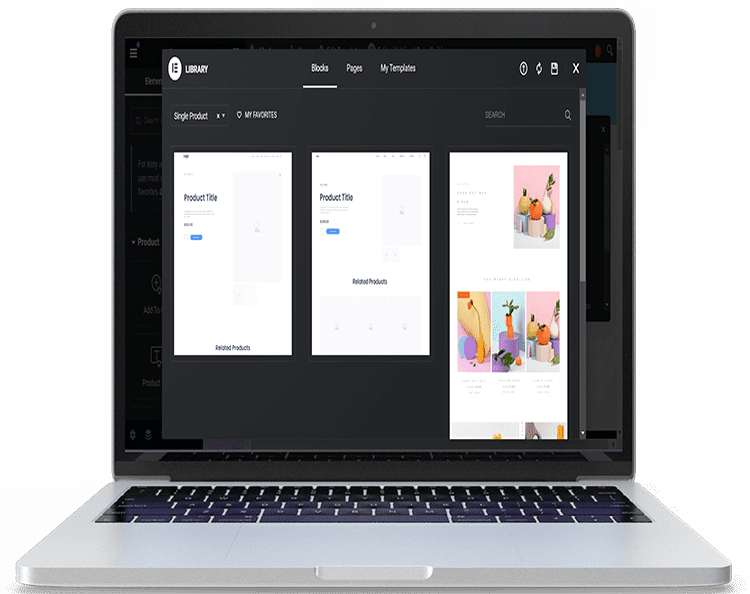
Shop Page
Create visually appealing and effective product pages designed to complete sales. Your product page will showcase detailed descriptions, high-quality images, and key features of each product. Ensure your product pages are optimized for mobile and desktop, providing a consistent and engaging shopping experience.
- Detailed product descriptions
- High-quality images
- Key features and benefits
- Customer reviews and ratings
- Related products suggestions
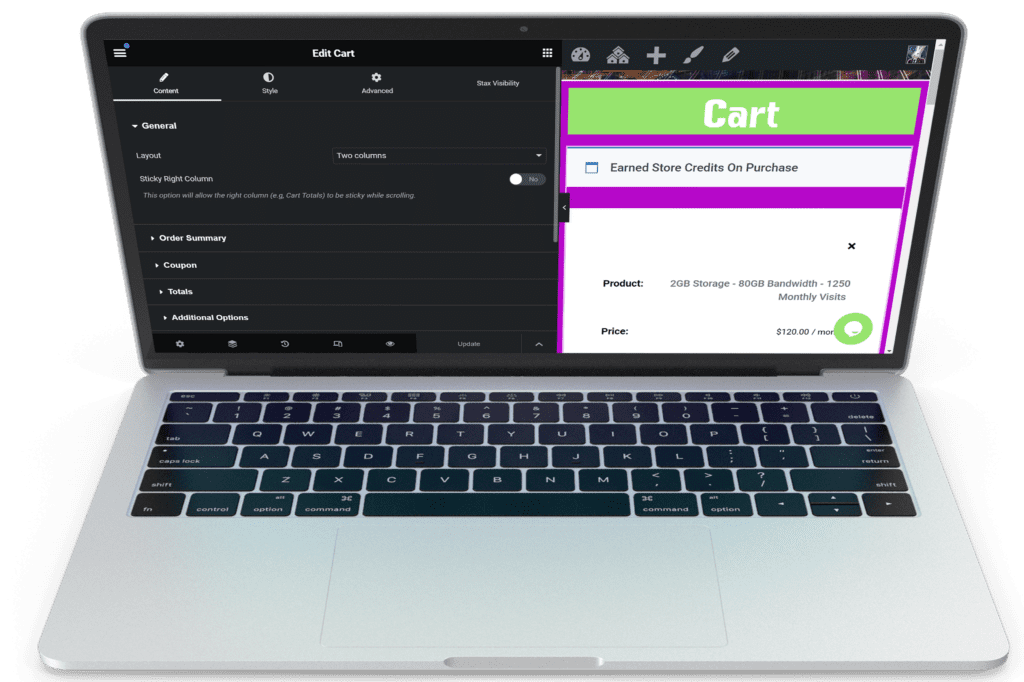
Cart
Design a user-friendly cart page to ensure a seamless shopping experience. The cart page will display all selected products, with options to adjust quantities, remove items, and apply discount codes. Provide clear information on shipping costs and estimated delivery times to build customer trust.
- Display selected products with images and descriptions
- Quantity adjustment and item removal
- Discount code application
- Clear shipping cost and
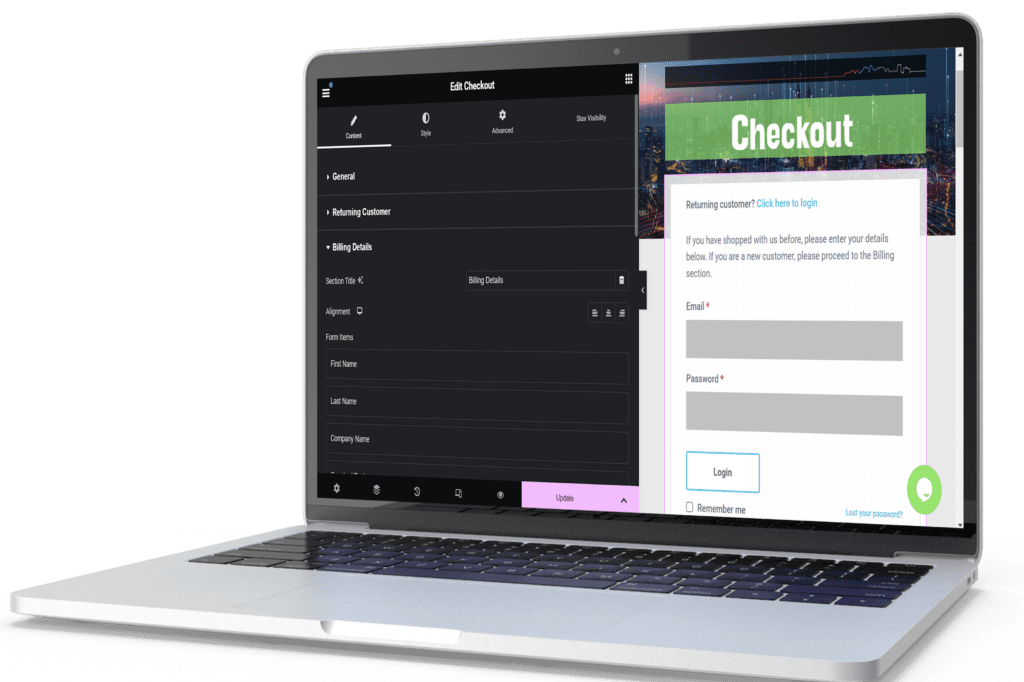
Checkout
Create efficient and secure checkout pages to facilitate payment collection. The checkout process will be streamlined to minimize friction, including options for guest checkout, multiple payment methods, and secure transaction processing. Ensure that customers receive confirmation emails with order details.
- Guest checkout option
- Multiple payment methods (credit card, PayPal, etc.)
- Secure transaction processing
- Order summary and confirmation
- Automated confirmation emails
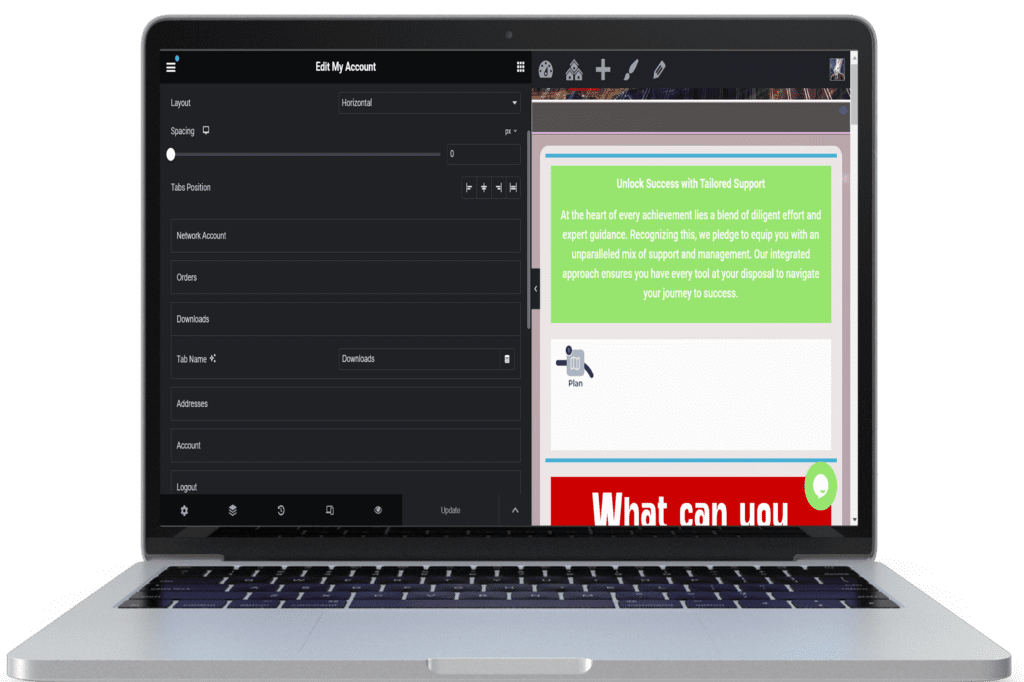
Customer Account Page
Manage orders, subscriptions, and payments through a comprehensive customer account page. This page will allow customers to view order history, track shipments, manage subscriptions, update personal information, and handle payment methods securely.
- Order history and tracking
- Subscription management
- Personal information updates
- Secure payment method management
- Customer support contact
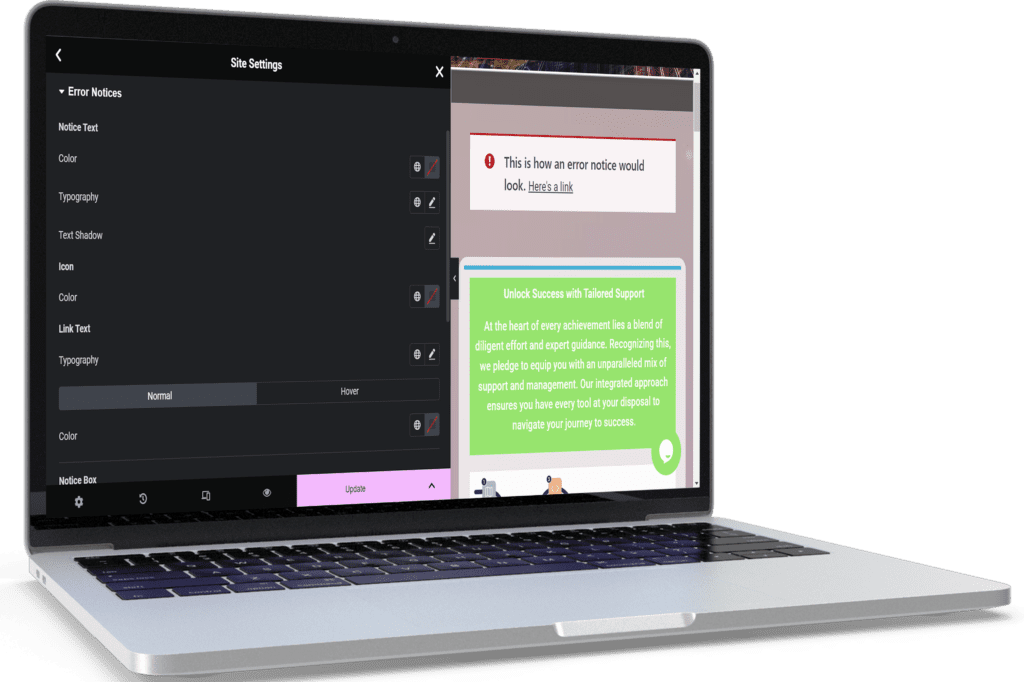
Error Notices
Design branded error notices to inform customers of any issues during their shopping experience. Ensure that error messages are clear, helpful, and match your brand’s tone and style.
- Clear and concise error messages
- Brand-consistent design and tone
- Suggestions for resolving issues
- Contact information for support
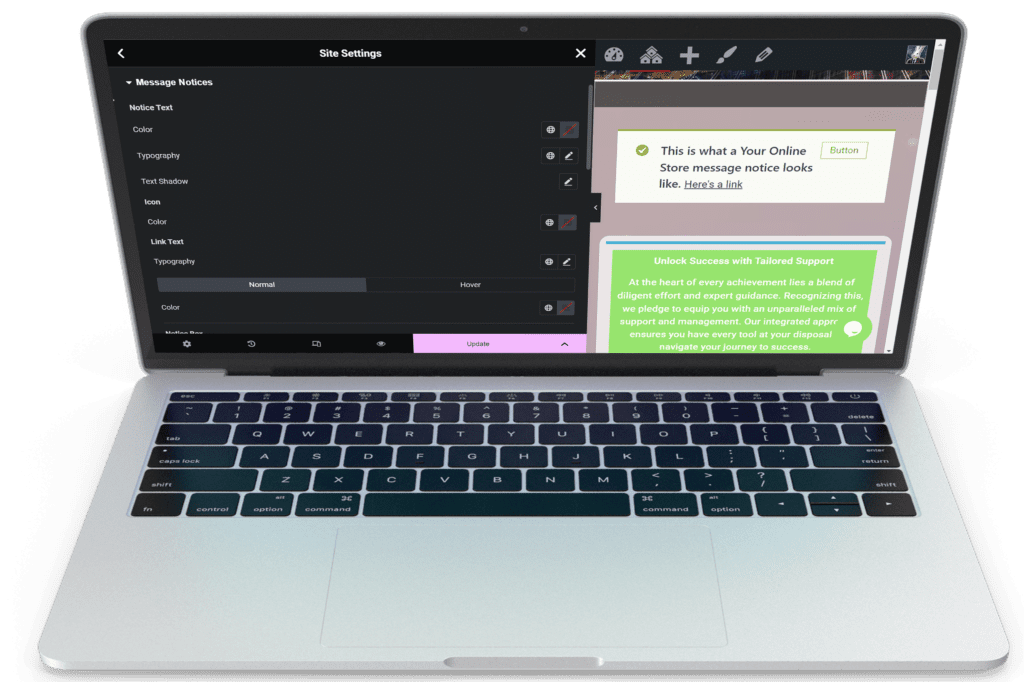
Message Notices
Notify customers during checkout with branded message notices. Use these messages to inform customers of important updates, such as the successful addition of items to the cart, application of discount codes, and order confirmation.
- Real-time notifications during checkout
- Brand-consistent design and tone
- Confirmation messages for actions taken
- Helpful tips and information
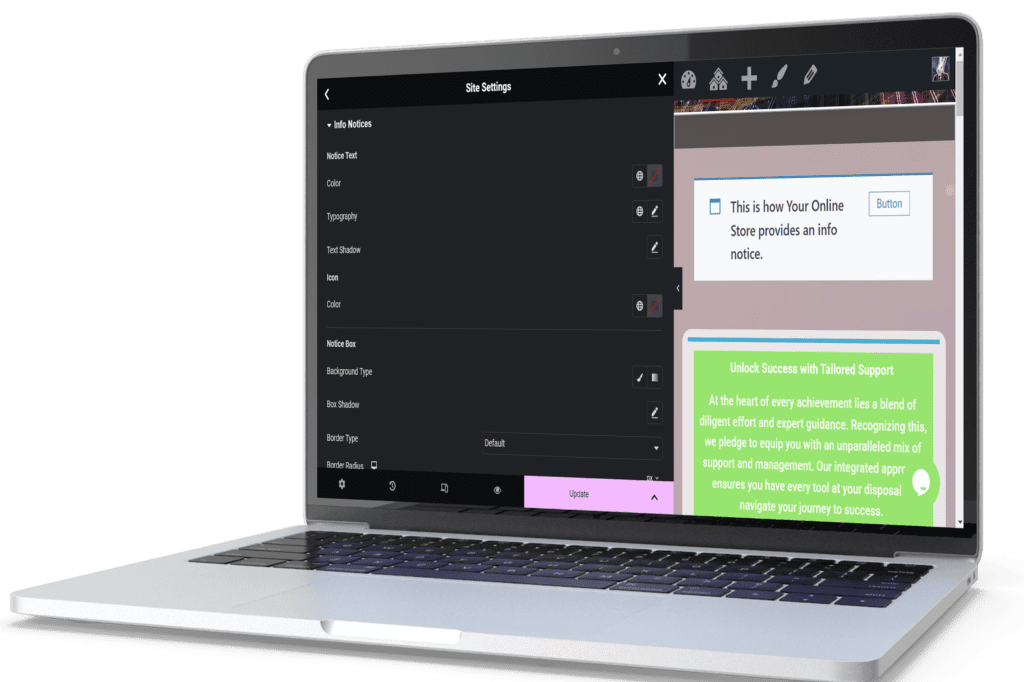
Info Notices
Provide helpful information during checkout through branded info notices. These notices will guide customers through the checkout process, offering explanations and assistance as needed.
- Step-by-step guidance through checkout
- Brand-consistent design and tone
- Helpful tips and FAQs
- Contact information for support
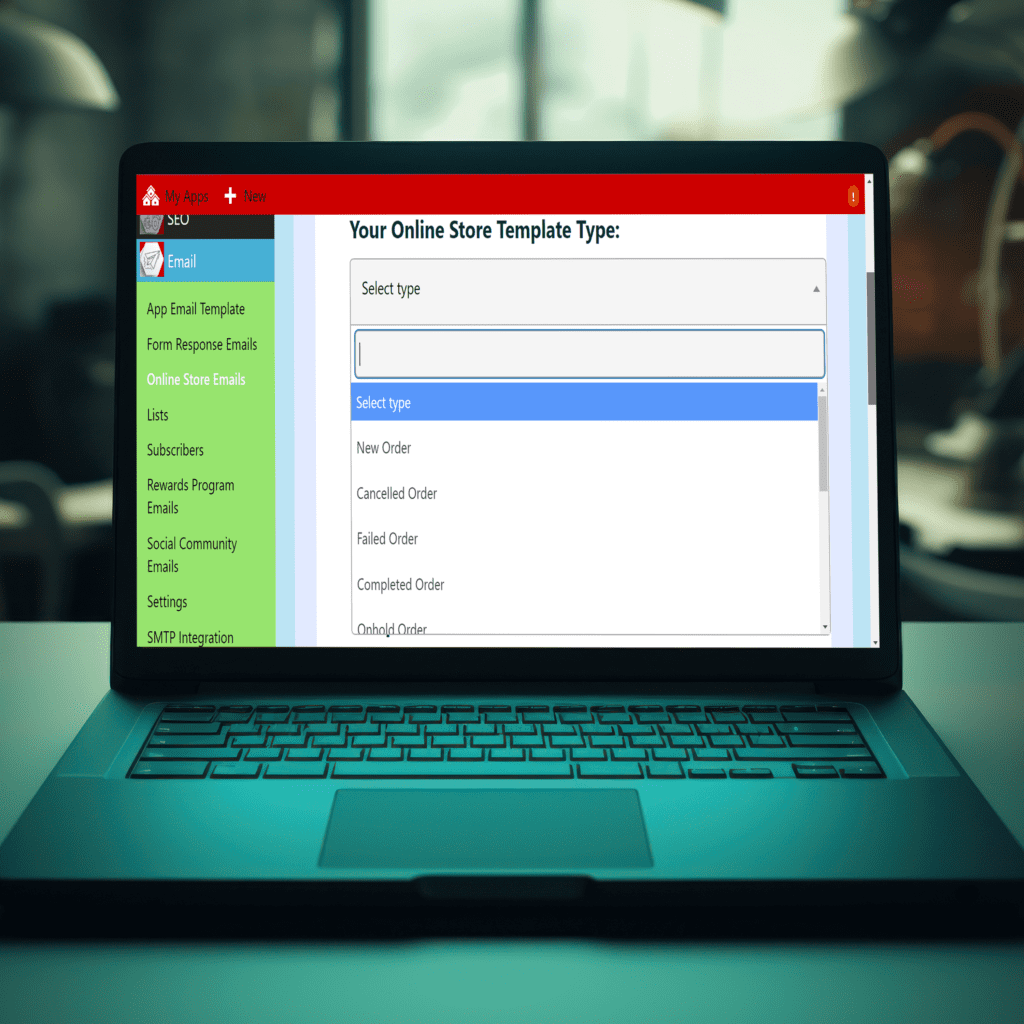
Store Emails
Store emails are sent automatically to either customers or store managers to keep them notified of the status of orders and payments.
- New Order Email
- Cancelled Order Email
- Failed Order Email
- Order On-Hold Email
- Processing Order Email
- Completed Order
- Refunded Order
- Order Details
- Customer Note
- Reset Password
- New Account
- New Renewal Order
- Subscription Switched
- Processing Renewal Order
- Completed Renewal Order
- On-Hold Renewal Order
- Subscription Switch Complete
- Customer Renewal Invoice
- Cancelled Subscription
- Expired Subscription
- Suspended Subscription
- Customer Payment Retry
- Payment Retry
- Failed Subscription
- Pre-Order Payment Action Needed
- Payment Authentication Requested Email
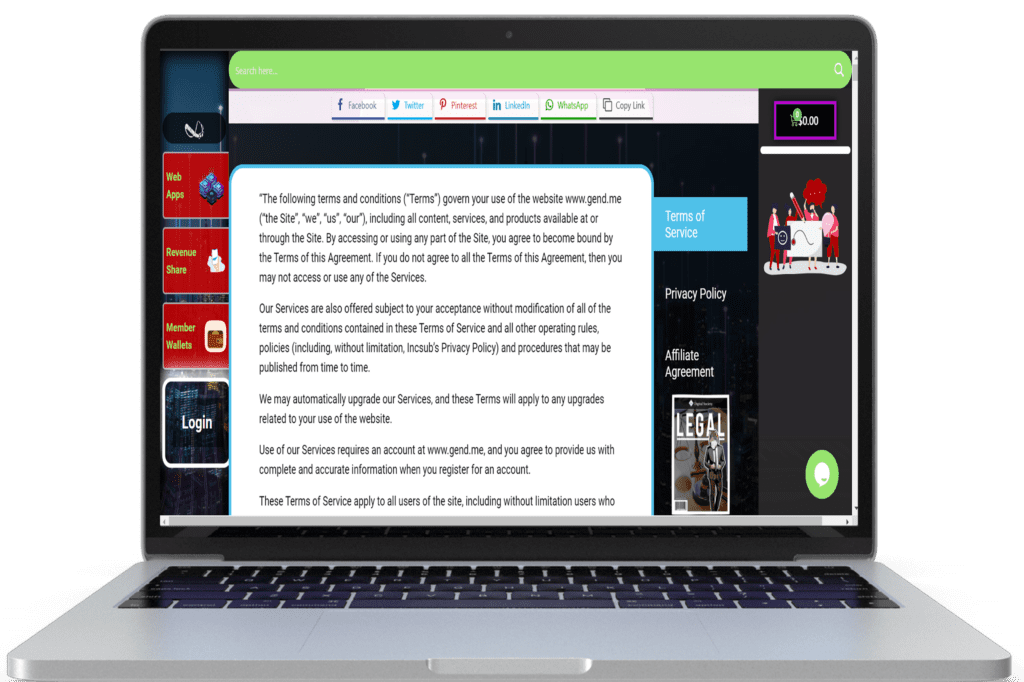
Terms & Conditions
Build a linked terms and conditions page to ensure transparency and build trust with your customers. This page will outline the terms of service, return policy, privacy policy, and other important information related to their purchase.
- Clear and comprehensive terms of service
- Return policy and procedures
- Privacy policy
- Shipping and delivery information
- Contact information for support
If you want to view the onboarding form to complete that is included in your project management workspace. Please click here >>>>
Click here to view the store branding onboarding form
Connect Your Online Communities
The Smart Choice
Building a social community on any of the major social media networks may seem like the obvious choice for your business until considering that you don’t actually own it.
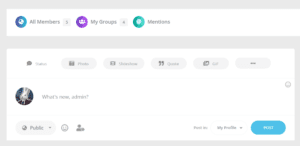
Community Social Features
Comprehensive Membership System
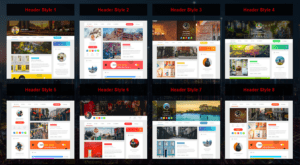
Unbeatable Profile Features
Onboard Web Building Project Plans
Choose Project Plan To Start:
1.31 – Network Branding
1.32 – Profile Branding
1.33 – Group Branding
Social Network Styling
Your Own Social Network With Your Business Branding
A branded social network gives your users a cohesive experience while they connect with your community online. Our team is here to help match your brand and business social network member needs including:
Features Include:
- Social Account Scheme Styling
- Activity Feed
- Social Member Login
- Community Sidebars & Member Widgets
Member Profile Branding
Your Members’ Social Account Hub
Your community Member’s Profile is where they can go to find out all activity, showcase themselves, and connect with their own community on your social network.
Our team is ready to onboard and set up your:
- Member Profiles Styling & Structure
- Member Profile Tabs
- Default Header & Avatar Image Design & Assignment
- Profile Fields, & Account Completeness Settings
- Member Overview Page Layout
- Member Directory
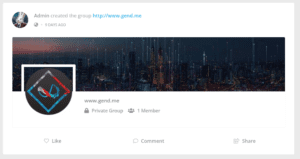
Community Groups Defaults
A Place for Your Community Members to Connect in Like-Minded Groups
Brand your groups with the collaboration tools needed for your community to connect and collaborate with each other.
Our team is ready to onboard and set up your:
- Groups Styling
- Group Tabs Assignment & Styling
- Default Header & Avatar Design & Assignment
- Groups Directory Page Build, Design, & Assignment
Community Email Design
Automatic Email Notifications That Keep Your Members Updated on Their Account
Keep your community members engaged and coming back with regular updates as there are any updates to their accounts.
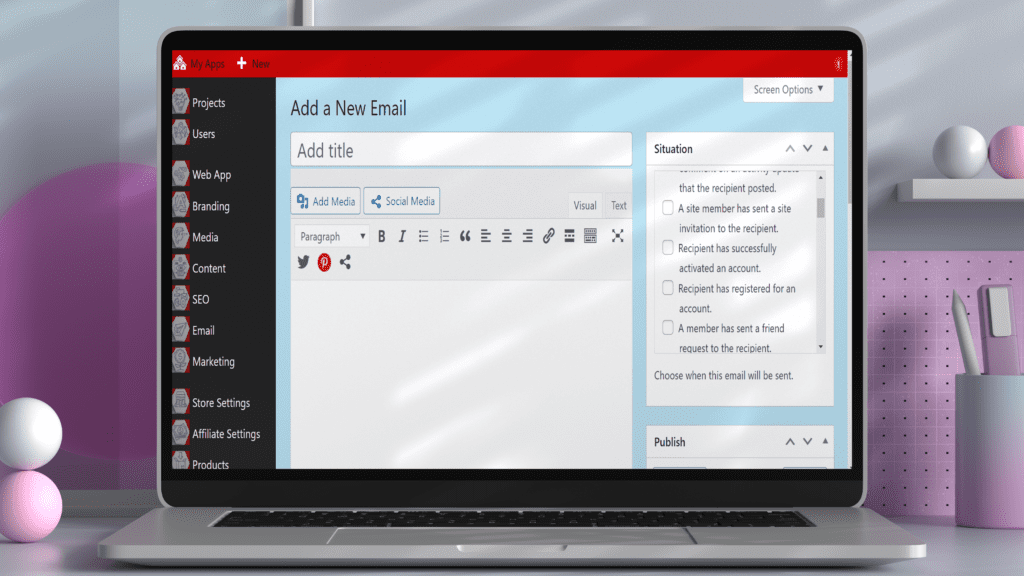
The community emails that are included and can be updated:
- Someone has requested membership on this site.
- Recipient has registered for an account.
- Recipient has successfully activated an account.
- A site membership request has been rejected.
- A member request a password reset.
- Recipient has changed their email address.
- A site member has sent a site invitation to the recipient.
- A user is invited to join the site by email. Used by the Invite Anyone plugin.
- A member has sent a friend request to the recipient.
- Recipient has had a friend request accepted by a member.
- Recipient has received a private message.
- Notify users when they recieve new visits on their profile .
- Recipient was mentioned in an activity update.
- A member has replied to an activity update that the recipient posted.
- A member has replied to a comment on an activity update that the recipient posted.
- Recipient was mentioned in a group activity update.
- A group’s details were updated.
- A member has sent a group invitation to the recipient.
- Recipient’s status within a group has changed.
- A member has requested permission to join a group.
- Recipient had requested to join a group, which was accepted.
- Recipient had requested to join a group, which was accepted by admin.
- Recipient had requested to join a group, which was rejected.
- Recipient had requested to join a group, which was rejected by admin.
- Notify admin when a new item is marked as hidden.
- Notify admin when a new item is reported.
- Notify admin when a member blocks another user.
- Notify user when an official restrictions applied on their account.
- Notify user when an temporary restrictions applied on their account.
- Notify user when their item is deleted.
- Notify user when their item is hidden.
- Notify user when their item is restored.
- Notify reporter when their reported item is deleted.
- Notify reporter when their reported item is restored.
If you want to view the onboarding form to complete that is included in your project management workspace. Please click here >>>>
Digitize Your Sales Pitch
Transform your framework into a sales powerhouse.
We digitize your sales pitch, build conversion touchpoints, and automate processes to drive growth.
Digitize Your Sales Offers & Automatically Lead Prospects to Become Loyal Supporters
Create effective sales funnels by digitizing your offers and inbound campaigns. The goal is to attract consistent, trackable, and measurable leads, guiding visitors towards your desired actions.
Features:
- Sales Funnels: Design and implement funnels to capture and nurture leads.
- Inbound Campaigns: Develop campaigns that attract and convert prospects.
- Content Creation: Produce engaging content that supports your sales strategies.
Build with No-Code Web Builders and Drag-and-Drop Widgets
Efficiently manage your online assets and optimize your content strategy to maximize the impact of your digital media efforts.
Use our drag-and-drop interface to design and build your responsive web application in just a few clicks. Choose from a variety of templates, widgets, and integrations to create a unique solution tailored to your business needs.
Choose Project Plan To Start:
2.11 – SEO
2.12 – Social Post Blogs
2.13 – Email Nurturing
Build Your Web App & Online content with no code web builders, while owning your own data.
Engage and Educate Your Online Community with Our Content Builder Dashboard
Engage and Educate Your Online Community with Our Content Builder Dashboard

Master Your Digital Assets with the Media Management Dashboard
Master Your Digital Assets with the Media Management Dashboard
Unify and Enhance Your Digital Presence with the Branding Dashboard
Unify and Enhance Your Digital Presence with the Branding Dashboard
Elevate Your Web App Experience with the Web App Settings Dashboard
Elevate Your Web App Experience with the Web App Settings Dashboard
Start your journey with gend.me and create a Web App that truly represents your brand!
Content Project Tasks:
Media Management
Easily Upload and Manage the Media Needed to Run Your Digital Business
Develop a strategic media management plan to organize and categorize your digital assets. Effective media management ensures that all necessary content is easily accessible and ready for deployment.
- Media Upload: Simplify the process of uploading and storing media.
- Organization: Categorize media for easy access and retrieval.
- Strategy: Develop a media strategy to support your digital business goals.
Pages
Manage all your web app pages from a simplified page dashboard while you utilize the visual page builder to design and build the pages to look just like you want while providing your readers the features and functions they need to engage while you collect the information needed to support
Social Posts
Ensure your team is equipped to maintain a dynamic blog that keeps your web app fresh with content that educates and engages your audience.
- Content and social share settings
- Bookmarking and category management
- Comprehensive social sharing integration
Form Building
Build, Design & Manage Forms From One Place
Full customization, zero code: Create unlimited forms, add necessary fields, and tailor them perfectly to your site. Collect data seamlessly into your backend or integrate with top CRM tools. Our no-code builder offers endless possibilities—create forms for leads, subscriptions, feedback, and more. Stay on brand with customizable colors, fonts, and button designs. Ensure your forms look great on any device and take user engagement further by customizing post-submission actions.
SEO
Maximize your web app’s visibility and performance with our advanced SEO tools. Our expert team sets up, configures, and continually optimizes your SEO settings to ensure top performance in search rankings and on social media.
Social Share Buttons
Enhance site interaction with customizable social share buttons connected to over 50 networks. Offer your visitors a seamless way to share content directly to social media, enhancing user engagement and expanding your reach.
- Extensive network coverage and design options
- Detailed customization, including mobile messaging apps
- Advanced analytics for monitoring and optimizing social interactions
Automated Scheduled Emails
Automate email delivery to engage your users at just the right time. Welcome new subscribers, update them on new content, and share exclusive offers.
- Customizable email automation
- Segmented user lists for targeted communication
- Engagement tracking to measure success
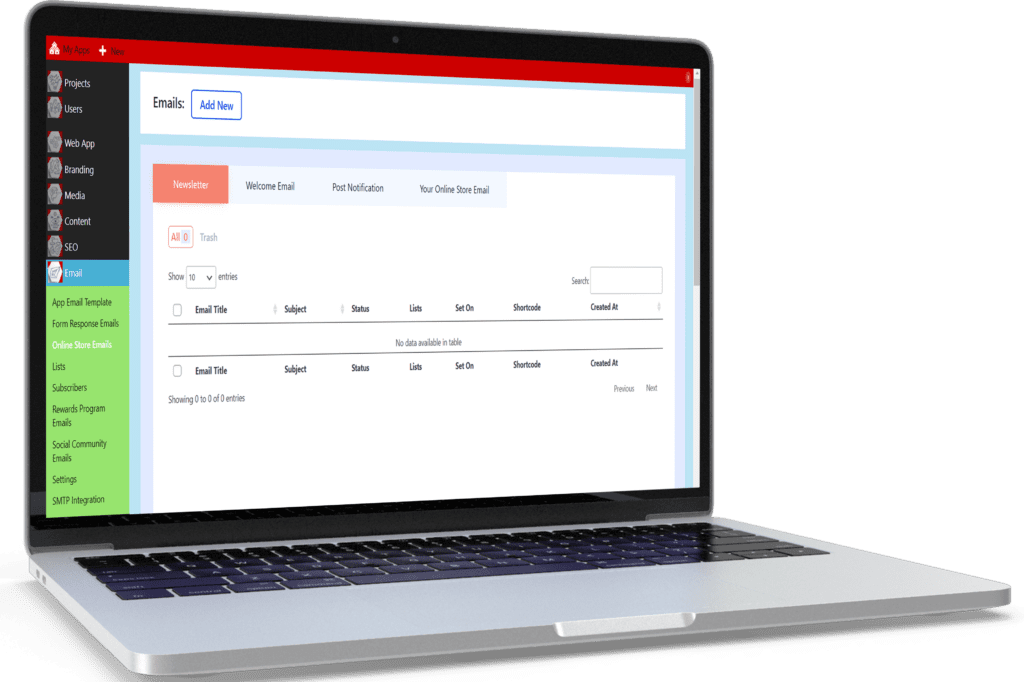
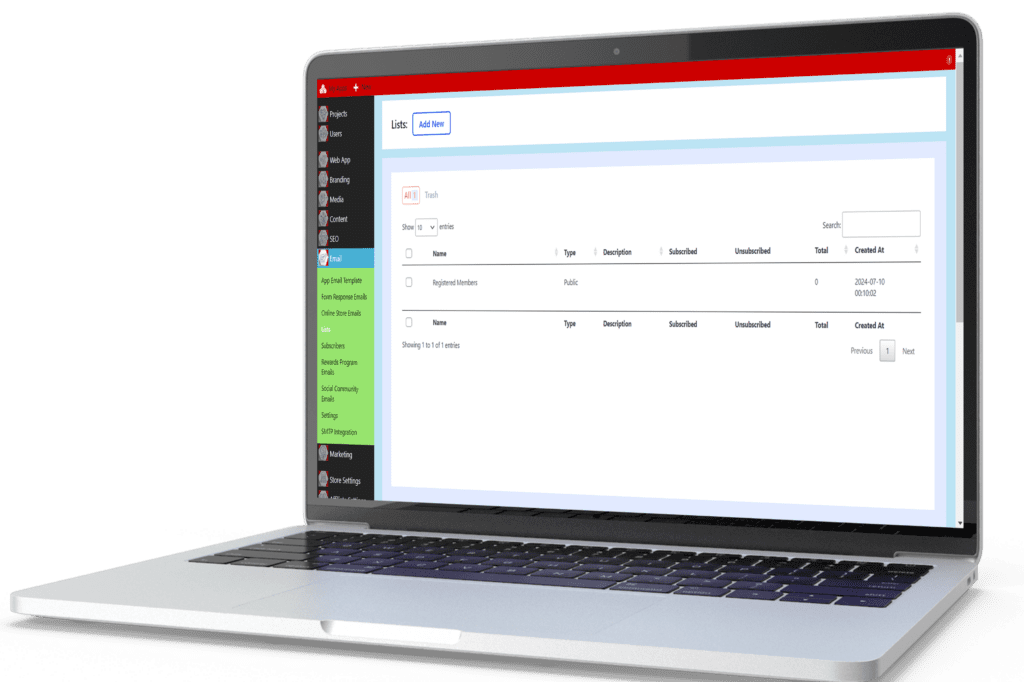
Manage Communication Lists
Create and manage targeted email lists to craft precise communications for different audience segments, enhancing the effectiveness of your marketing efforts.
- List creation and management
- Automated sequences for efficient communication
- Easy segmentation based on user activity and preferences
CTA Buttons & Forms
Easily Upload and Manage the Media Needed to Run Your Digital Business
Design engaging calls to action (CTAs) and forms to collect user information and drive conversions. Ensure that each piece of content guides users to the next logical step in their journey.
- CTA Design: Create buttons and forms that prompt user action.
- Form Integration: Collect user data efficiently and securely.
- Follow-Up Actions: Design automated follow-up emails and communication lists to enhance engagement.
Menu Management
Provide Easy Navigation Throughout Your Web App
Build and manage multiple site menus, ensuring that users can easily navigate your web app. Decide which roles have access to specific menu items and use the menu widget to display menus wherever needed.
- Menu Creation: Build intuitive and responsive menus.
- Role-Based Visibility: Control which users see specific menu items.
- Flexibility: Place menus strategically throughout your web app.
If you want to view the onboarding form to complete that is included in your project management workspace. Please click here >>>>
It’s time to digitize your business offers.

Craft Tailored Commission Programs
Flexibly set affiliate referral percentages or amounts store-wide or for specific products, adapting to your unique business model.

Gain Insights into Effectiveness
As program managers, you’ll effortlessly delve into a comprehensive program overview, analyzing content and user performance.

Effortless Payments and Payouts
Seamlessly integrate your payment accounts to accept payments, automatically track eligible recipients, and execute timely payments as needed.
Digitizing your sales & commissions is highly valuable for your business, allowing you to automatically onboard salespeople and open opportunities for anyone to refer sales and earn rewards.
Heightened visibility leads to an influx of website visitors, exposing your products and services to a broader audience.
Automate your sales tracking and commission payouts, all linked back to your store products.
Craft Tailored Commission Programs
Flexibly set affiliate referral percentages or amounts store-wide or for specific products, adapting to your unique business model.
Gain Insights into Effectiveness
As program managers, you’ll effortlessly delve into a comprehensive program overview, analyzing content and user performance.
Effortless Payments and Payouts
Seamlessly integrate your payment accounts to accept payments, automatically track eligible recipients, and execute timely payments as needed.
Choose Project Plan To Start:
2.21 – Store Details
2.22 – Digitize Product Offers
2.23 – Affiliate Commission Settings
If you want to view the onboarding form to complete that is included in your project management workspace. Please click here >>>>
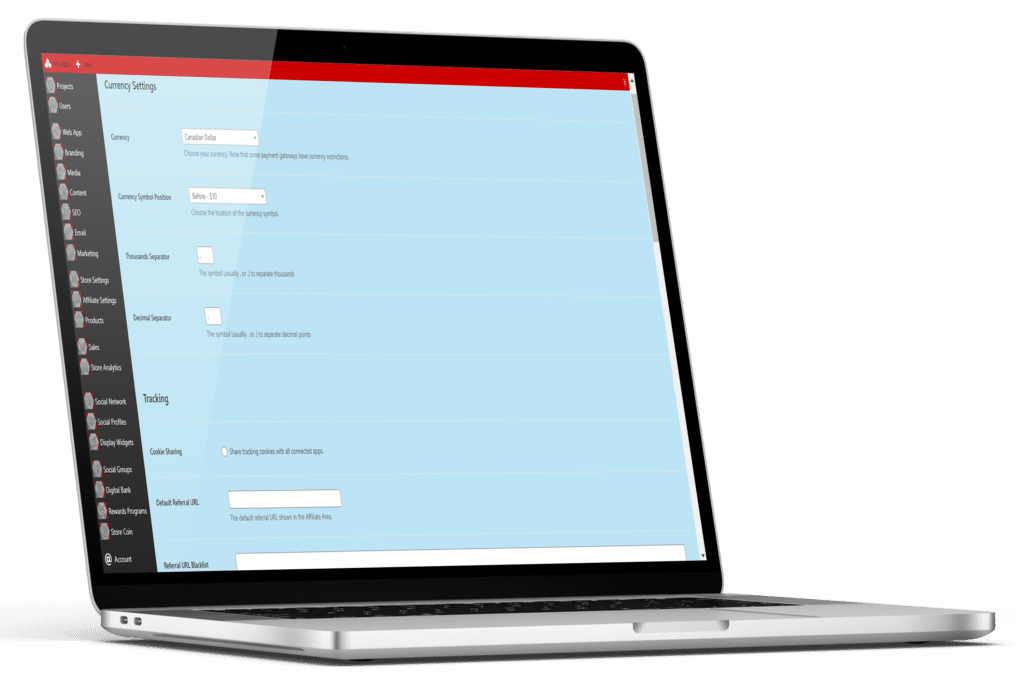
Store Detail – Setting Configuration & Permalinks
Integrate and set up your store settings to automate product or service fulfillment and support processes. This not only speeds up operations but also significantly reduces your workload, increasing customer satisfaction and enhancing their experience.
- Automation: Streamline fulfillment processes to improve efficiency.
- Support: Enhance customer support with automated responses.
- Customer Satisfaction: Deliver faster and more reliable service.
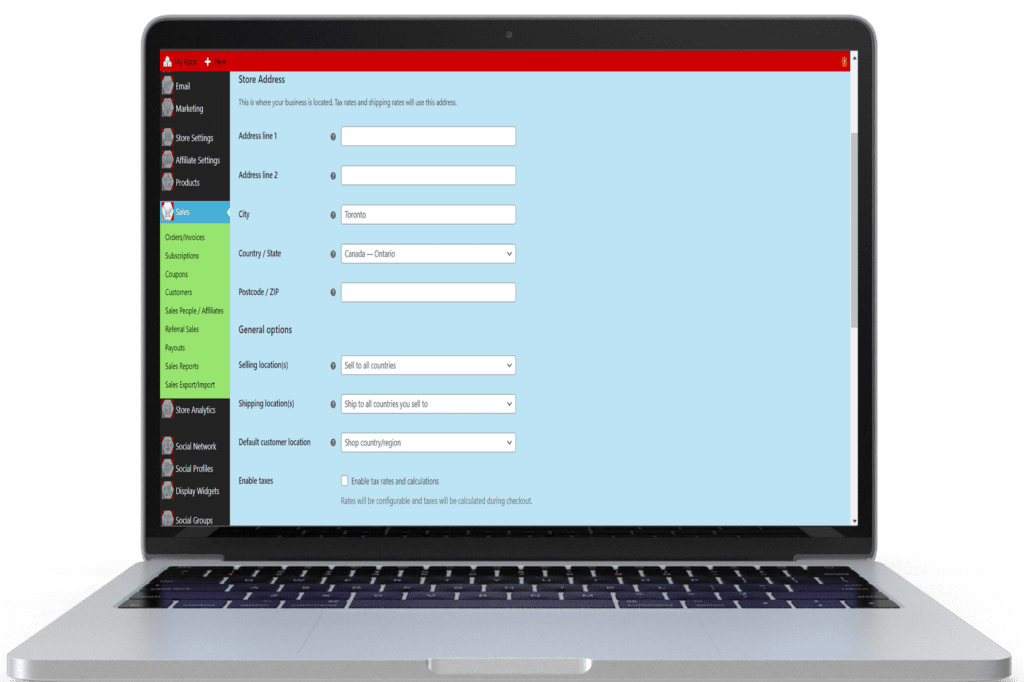
Store Tax – Settings Implementation
Configure tax settings to ensure compliance with local and international tax regulations. Automatically calculate taxes during the checkout process to provide a seamless experience for your customers.
- Tax Configuration: Set up tax rules based on location.
- Automatic Calculation: Calculate taxes during checkout.
- Compliance: Ensure adherence to tax regulations.
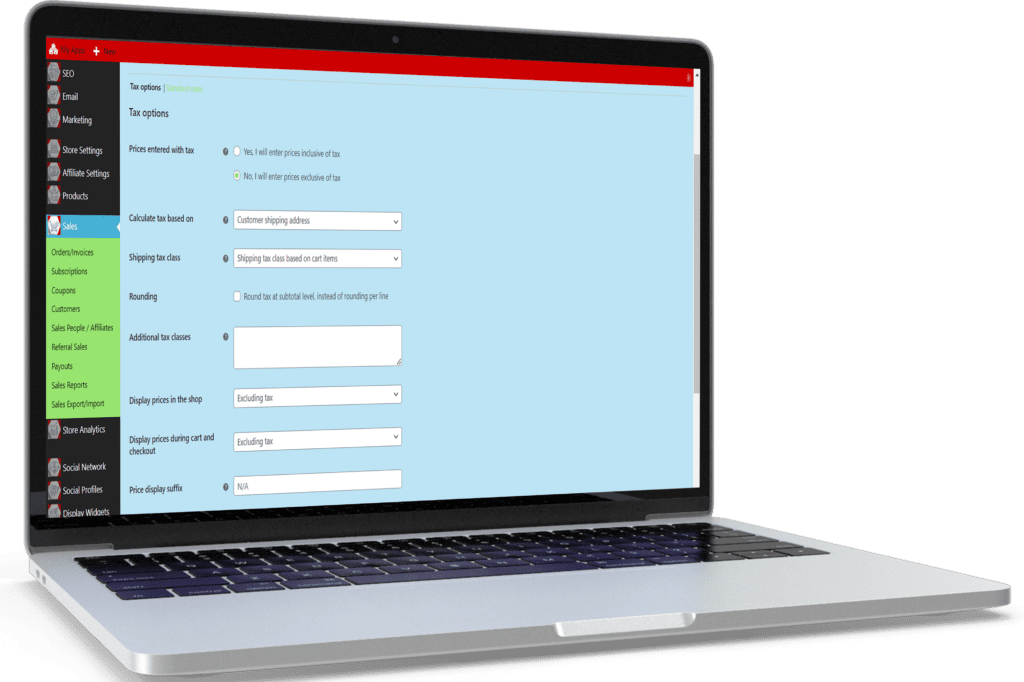
Shipping – Settings Configuration
Set up shipping settings to offer multiple shipping options and rates. Provide real-time shipping estimates to your customers, ensuring transparency and trust.
- Shipping Options: Offer various shipping methods and rates.
- Real-Time Estimates: Provide accurate shipping costs during checkout.
- Transparency: Enhance customer trust with clear shipping information.
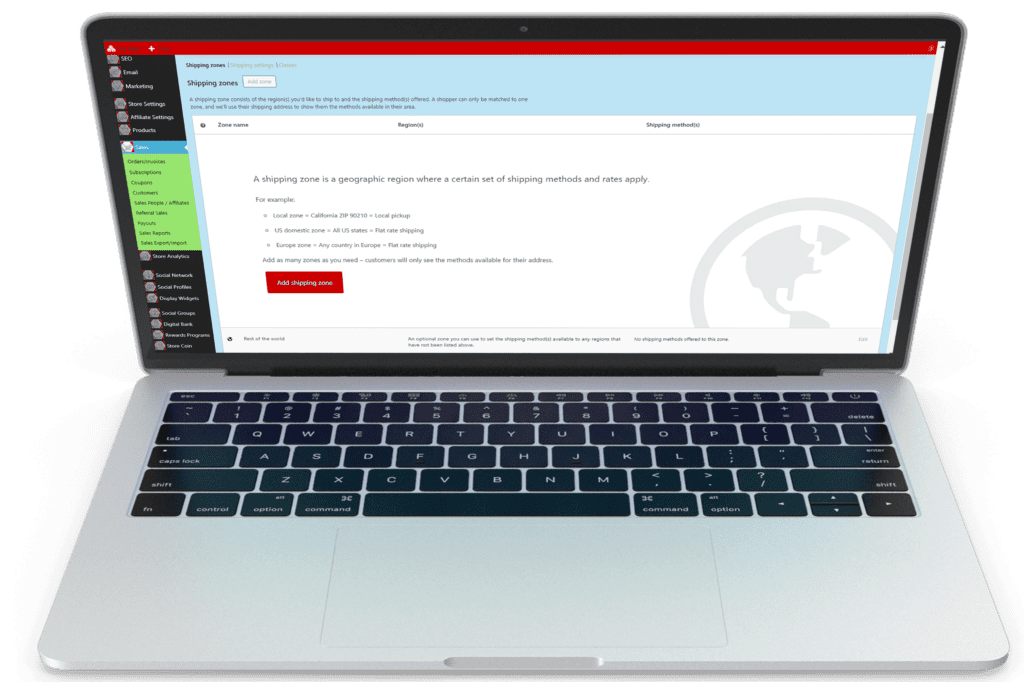
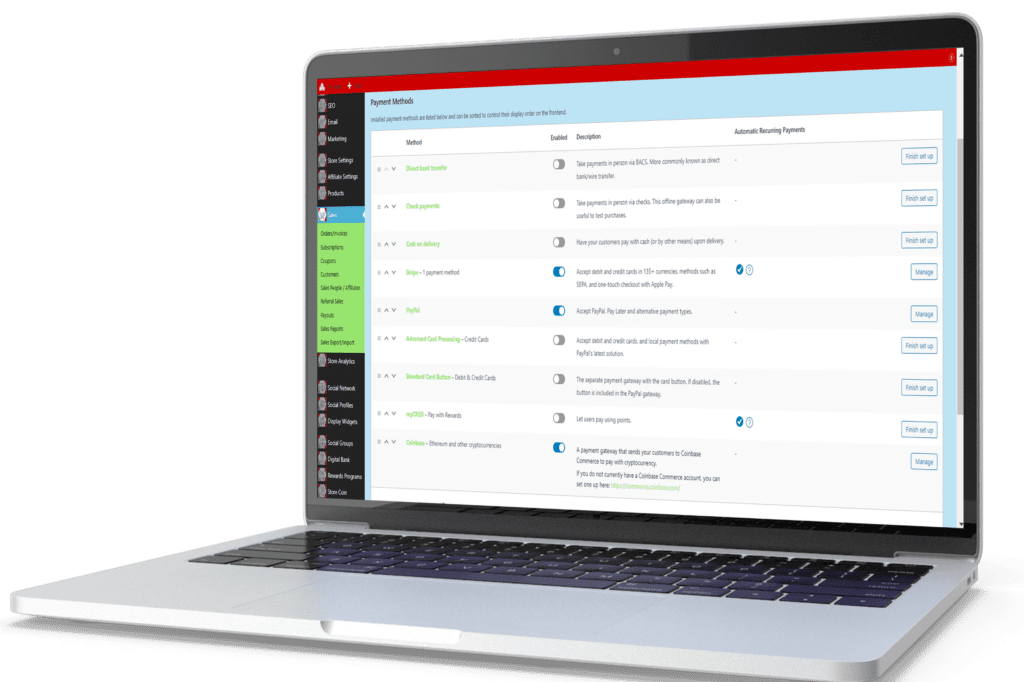
Payment Gateway – Account Integration, Sandbox Testing, and Go Live
Integrate multiple payment gateways to offer your customers a variety of secure payment options. Facilitate smooth transactions and increase conversion rates by providing trusted and convenient payment methods.
- Payment Options: Offer credit card, PayPal, and other payment methods.
- Secure Transactions: Ensure payment security with trusted gateways.
- Increased Conversions: Provide convenient payment options to boost sales.
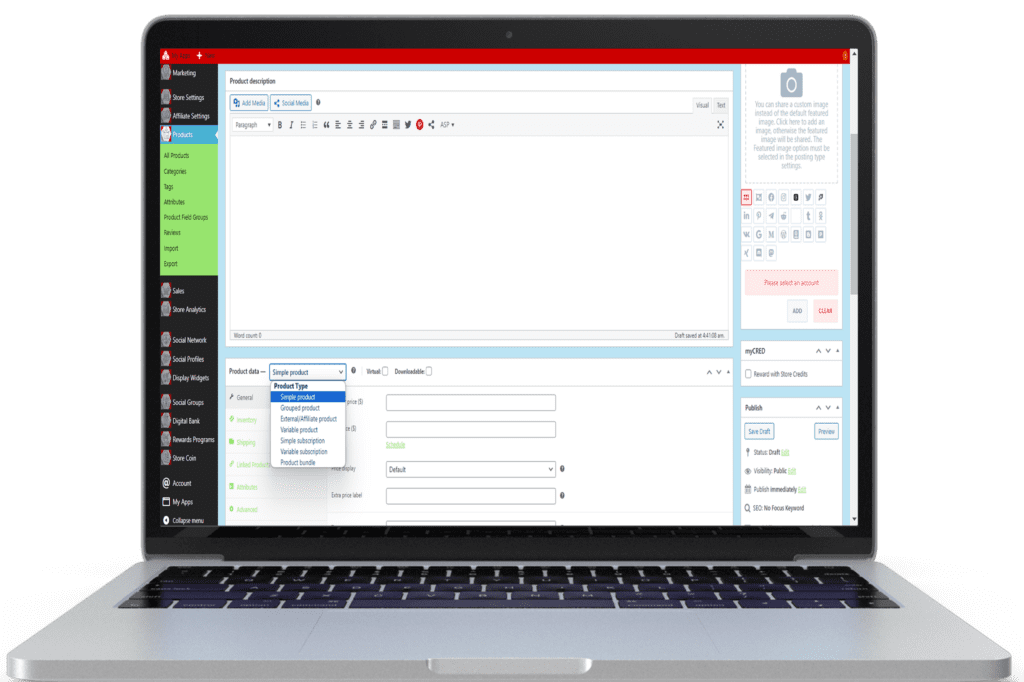
Product Management – Digitize Your Sale Pitch
Digitizing your products and services as payment pages speeds up customer payment collections by allowing immediate payments, automating follow-ups, collecting user information, and automating your fulfillment process. Add new products, manage all store products, and analyze which products are performing best, all from your product management dashboard.
- Product Digitization: Convert products into digital payment pages.
- Immediate Payments: Facilitate quick and easy payments.
- Automated Follow-Ups: Send automated messages for follow-ups.
- User Information Collection: Gather customer data efficiently.
- Fulfillment Automation: Streamline the fulfillment process.
- Product Management Dashboard: Add, manage, and analyze products.
Affiliate Settings – Manage Your Online Sales People
Configure your affiliate program settings to match your business needs. Set up commission rates, payout schedules, and tracking methods to ensure a seamless experience for your affiliates.
- Customizable Settings: Tailor the affiliate program to your business model.
- Commission Rates: Define how much commission affiliates earn.
- Payout Schedules: Set up regular payout intervals.
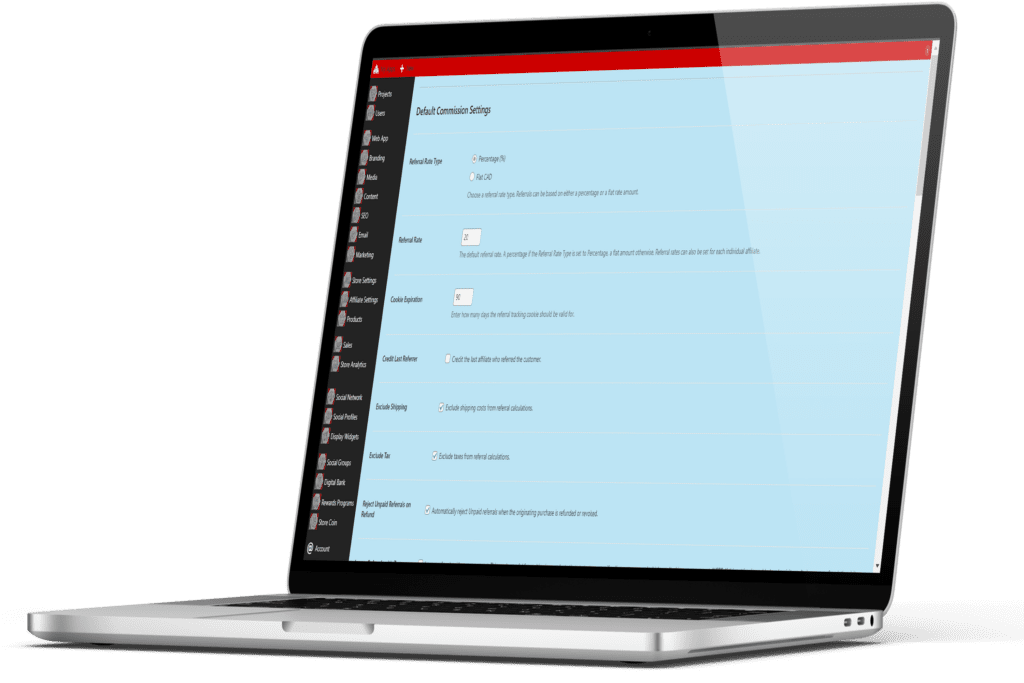
Commissions– Settings Are Automated
Set detailed commission rules and structures. Decide on flat rates, percentage-based commissions, or tiered rates to incentivize high performance.
- Flexible Commission Structures: Offer flat or percentage-based commissions.
- Performance Incentives: Introduce tiered rates to reward top performers.
- Custom Rules: Define specific conditions for earning commissions.
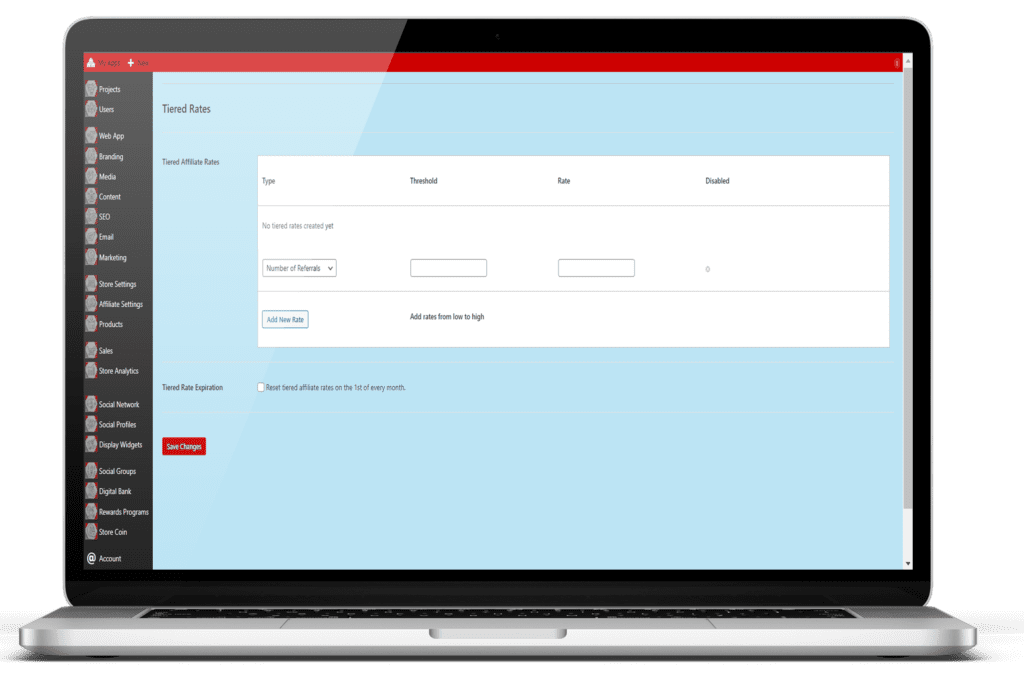
Tiered Rates – To Manage Your Users’ Different Commission Rates
Implement tiered commission rates to motivate affiliates. Higher sales volumes can lead to increased commission rates, driving more effort and results from your affiliates.
- Tiered Commissions: Reward higher sales volumes with increased rates.
- Performance Tiers: Set sales targets for different commission levels.
- Automated Adjustments: Automatically adjust rates based on performance.
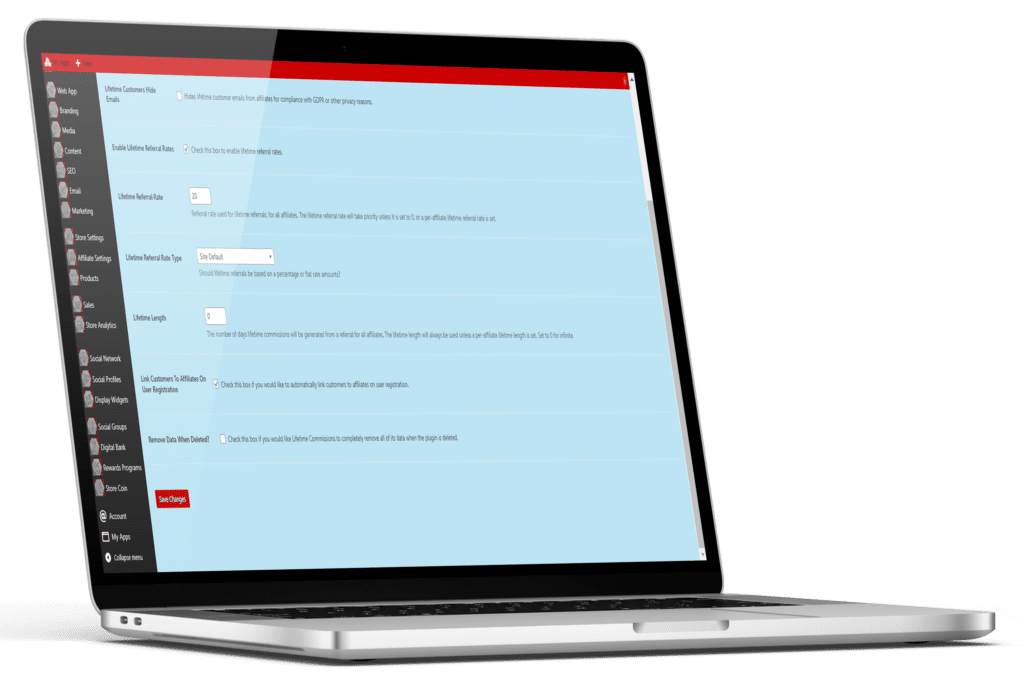
Lifetime Commission– Store Settings Configuration
Offer lifetime commissions to affiliates for ongoing referrals. Encourage affiliates to build lasting relationships with customers, knowing they will earn continuous rewards.
- Lifetime Earnings: Enable affiliates to earn commissions for the life of the customer.
- Customer Retention: Incentivize affiliates to maintain long-term customer relationships.
- Continuous Rewards: Provide ongoing earnings for sustained effort.
Sales Creatives– That Give Your Network Easy Promotion Options
Provide affiliates with high-quality sales creatives such as banners, ads, and links. Ensure they have the tools needed to promote your products effectively.
- Marketing Materials: Supply a variety of promotional content.
- Custom Creatives: Allow affiliates to request custom assets.
- Performance Tracking: Monitor the effectiveness of different creatives.
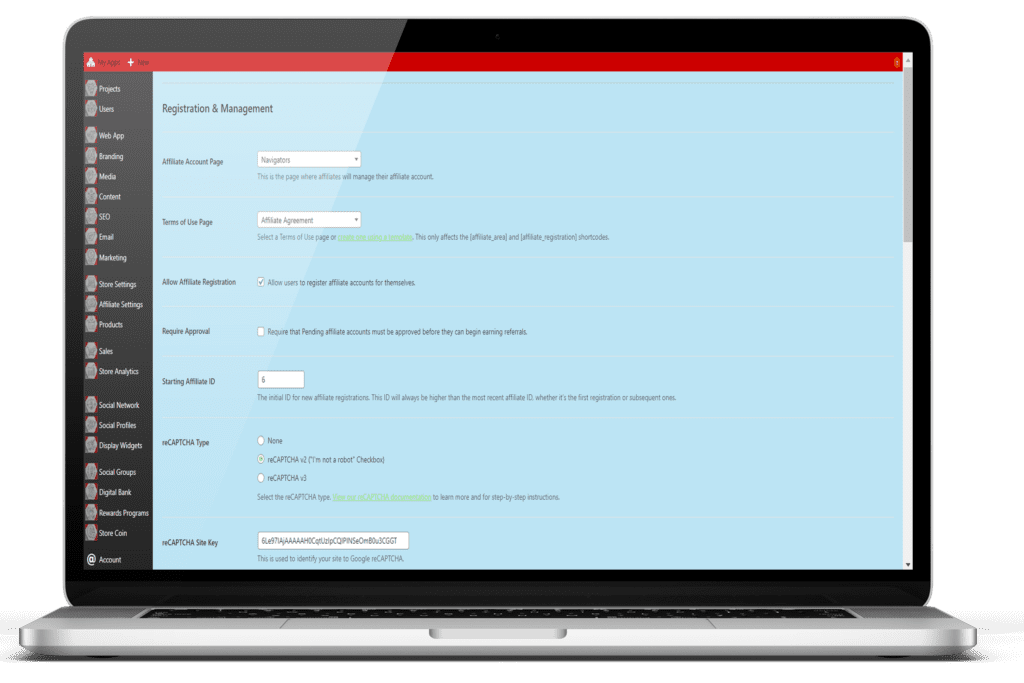
Coupon Settings Offer Your Customer’s Discounts
Offer discount coupons for affiliates to share with their audience. This not only attracts more customers but also helps in tracking the effectiveness of each affiliate.
- Unique Coupons: Generate unique discount codes for affiliates.
- Tracking: Monitor which affiliates are driving the most sales with their coupons.
- Incentives: Use coupons as additional rewards for top-performing affiliates.
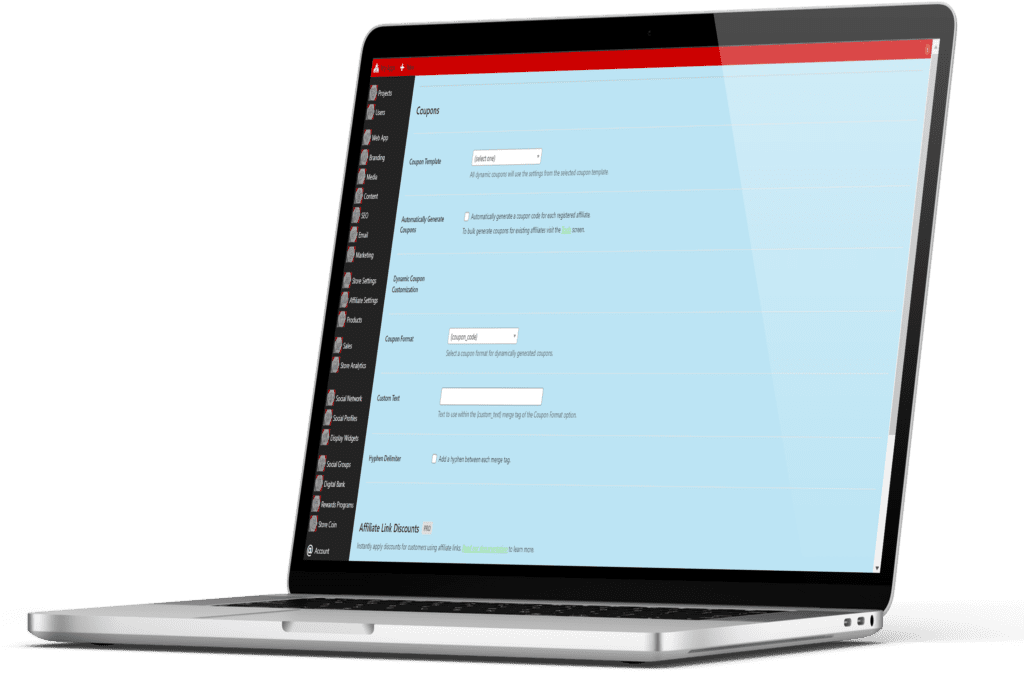
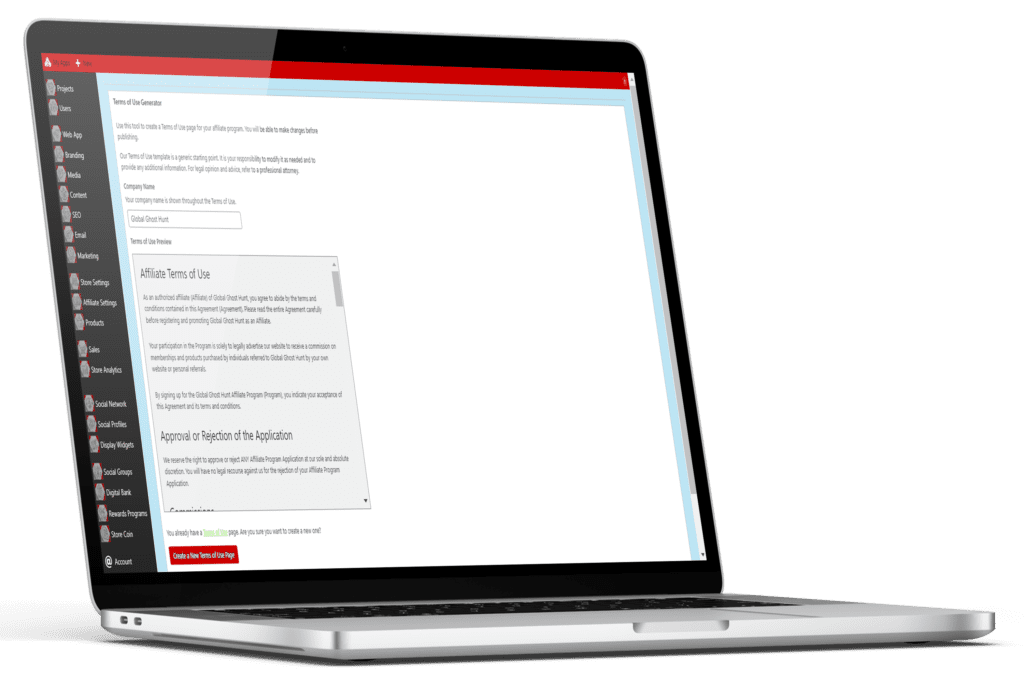
Terms of Agreement – Automate Your Legal Onboarding
Clearly define the terms and conditions of your affiliate program. Ensure transparency and mutual understanding to foster a positive relationship with your affiliates.
- Detailed Terms: Outline all rules and expectations.
- Compliance: Ensure legal and regulatory compliance.
- Acceptance: Require affiliates to agree to terms before participating.
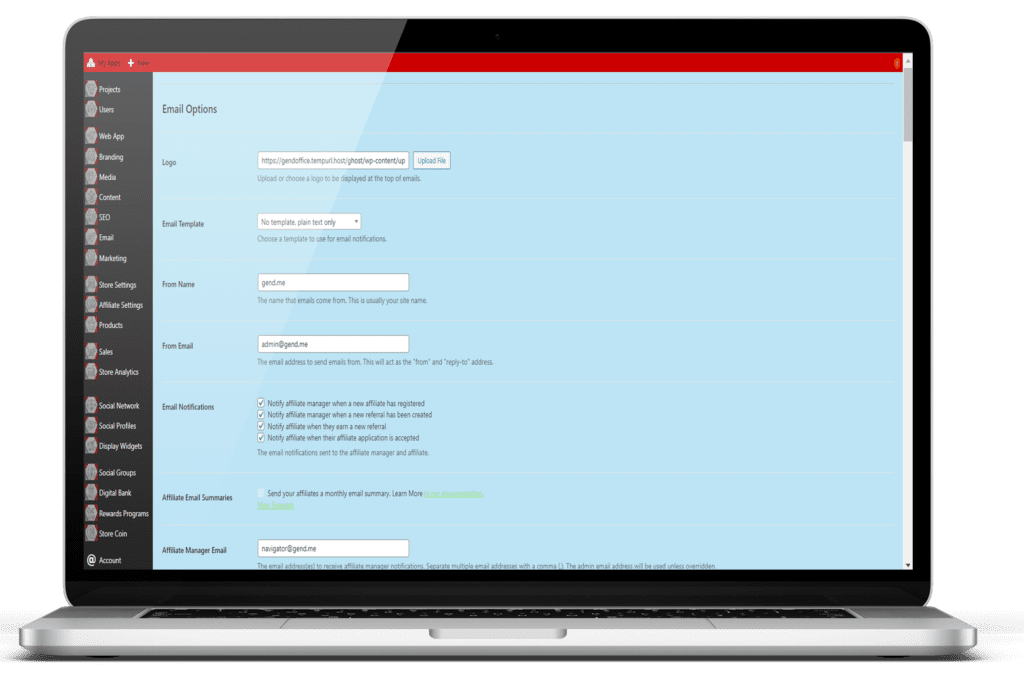
Email Notifications – To Keep Affiliate Managers In the Know
Set up automated email notifications to keep affiliates informed about their performance, earnings, and important updates. Regular communication helps maintain engagement and motivation.
- Automated Alerts: Notify affiliates about sales, commissions, and payouts.
- Performance Updates: Send regular performance summaries.
- Program Updates: Inform affiliates about changes or new opportunities.
Choose Project Plan To Start:
2.31 – Social Network Settings
2.32 – Member Profile Settings
2.33 – Community Groups
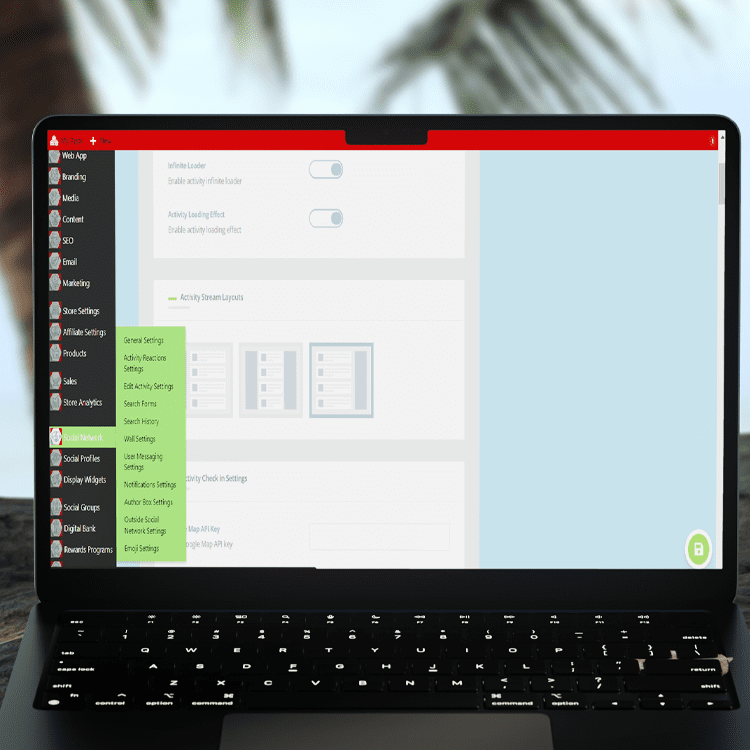
Network Settings – Matched to Support Your Community Members’ Needs
Configure your network settings to establish the foundation of your social network. Define the basic parameters that govern how members interact and engage within your community.
- General Settings: Set up the overall structure and rules.
- Privacy Controls: Manage privacy settings for your network.
- Notification Preferences: Customize how and when members receive notifications.
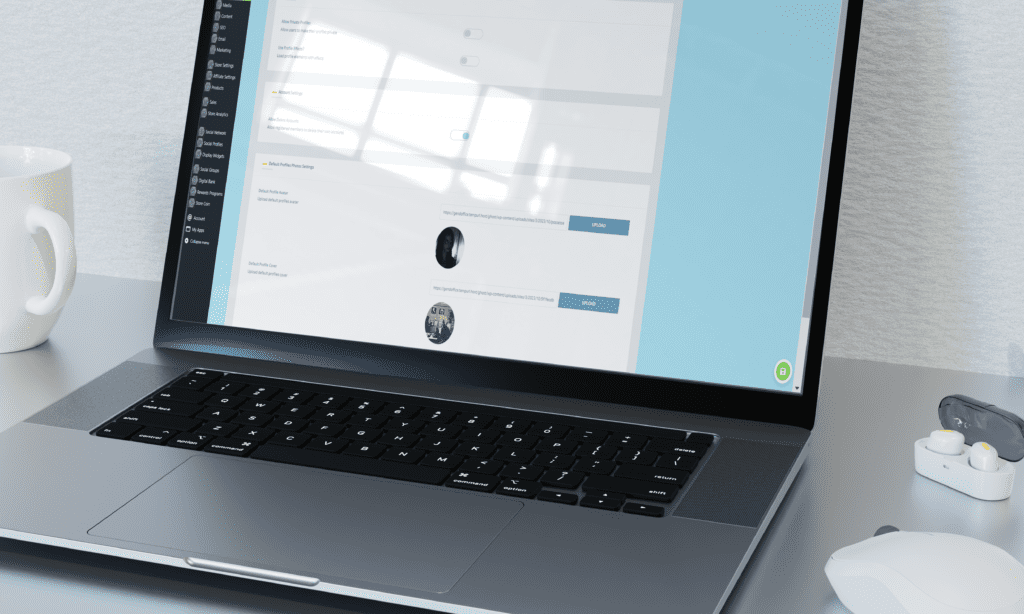
Profile Settings – Configured to Make Your Community Members’ Profiles a Place of Pride
Allow members to create and customize their profiles. Profiles are essential for fostering engagement and allowing members to share more about themselves.
- Profile Customization: Enable members to personalize their profiles.
- Visibility Controls: Let members control who can see their information.
- Profile Fields: Add custom fields to gather specific information from members.
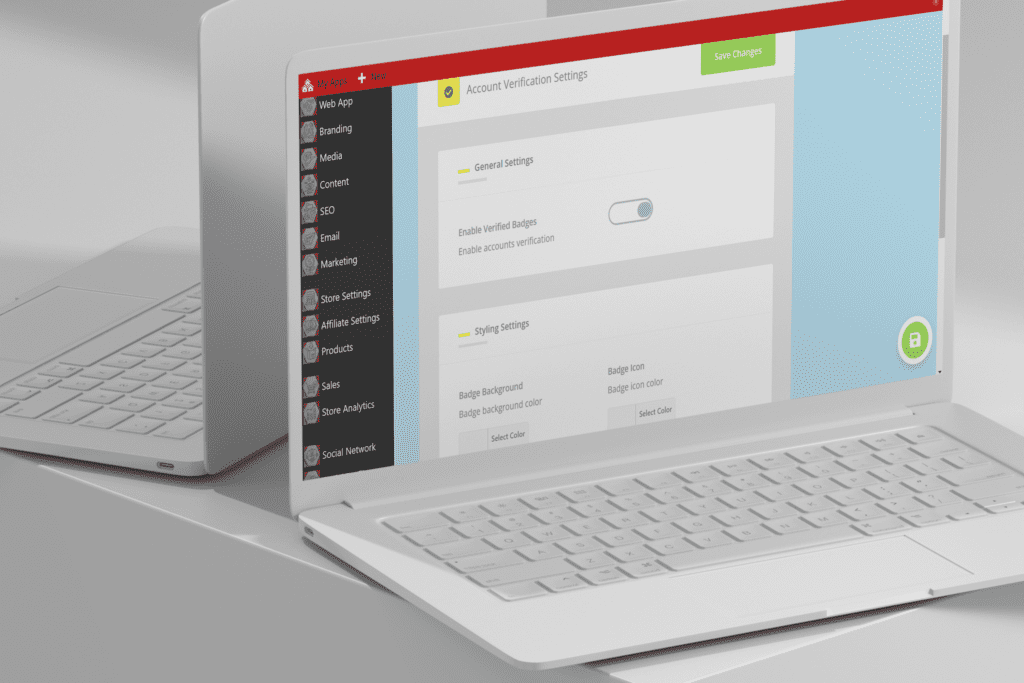
Account Vertification – Automatically Verify Your Member’s Information
Implement account verification to ensure the authenticity of your members. Verified accounts build trust and credibility within your community.
- Verification Process: Set up steps for members to verify their accounts.
- Badge System: Award badges to verified members for easy recognition.
- Security Measures: Enhance security with account verification.
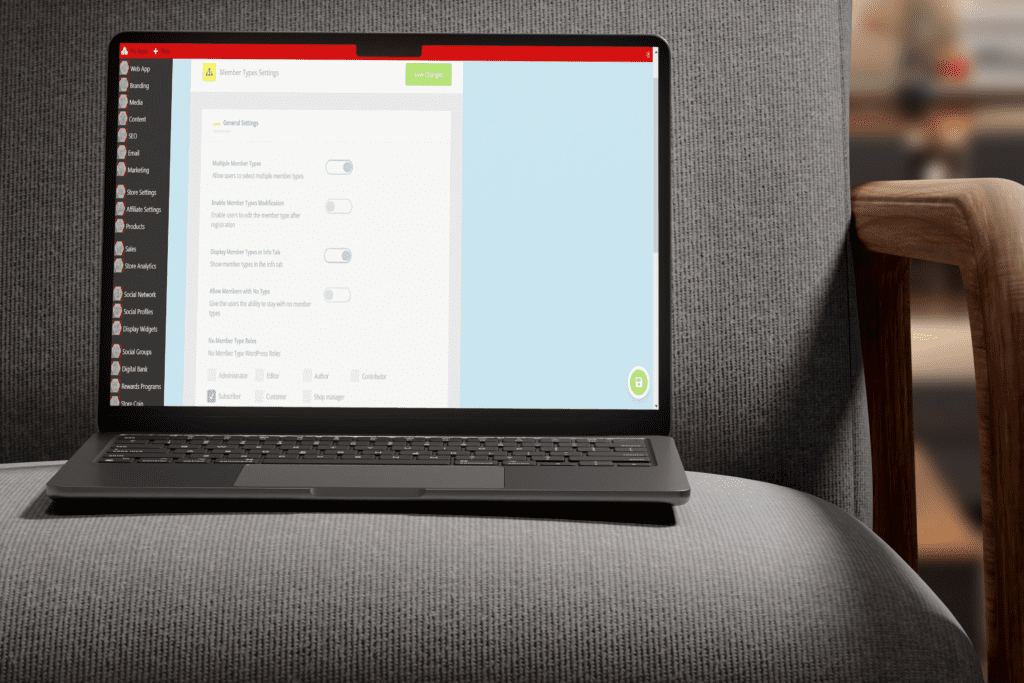
Member Types – Created and Assigned to Promote Group and Provide Feature Functionality
Define different member types to categorize your community members. Member types can help in managing permissions and creating targeted content.
- Custom Member Types: Create and manage various member categories.
- Permissions Control: Assign specific permissions to different member types.
- Targeted Content: Deliver content tailored to each member type.
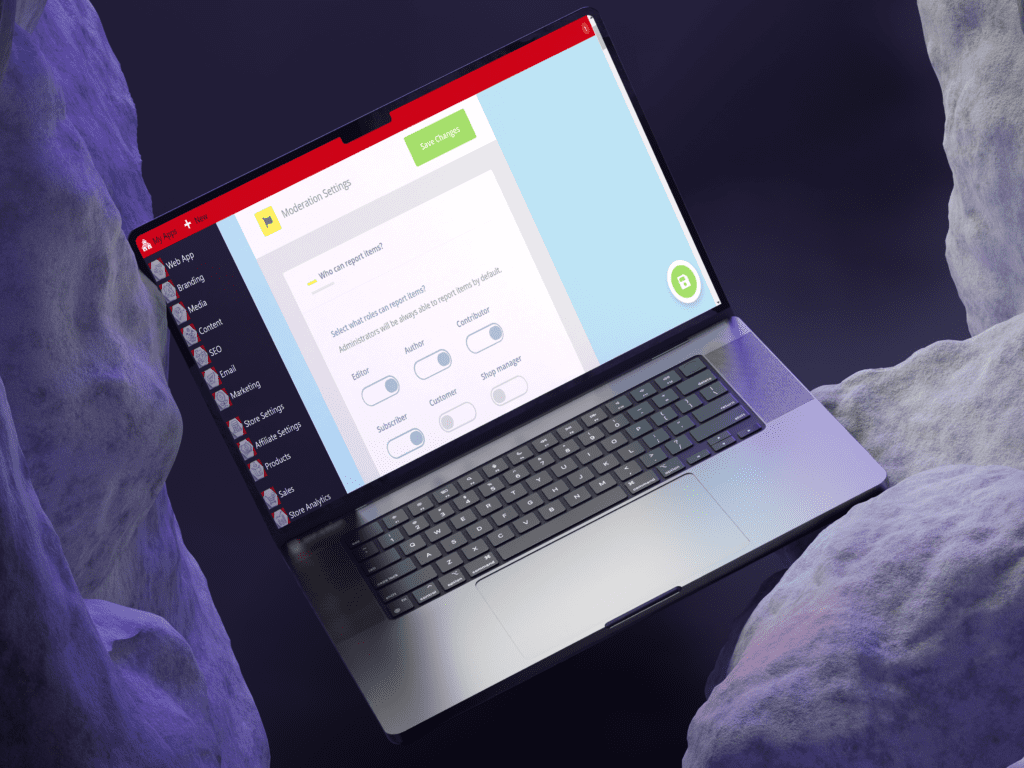
Moderation Settings – Defined for Content Management
Establish moderation settings to maintain a healthy and respectful community environment. Effective moderation is key to preventing spam and managing conflicts.
- Moderation Tools: Equip moderators with the tools they need.
- Content Filtering: Set up filters to automatically flag inappropriate content.
- Reporting System: Allow members to report issues easily.
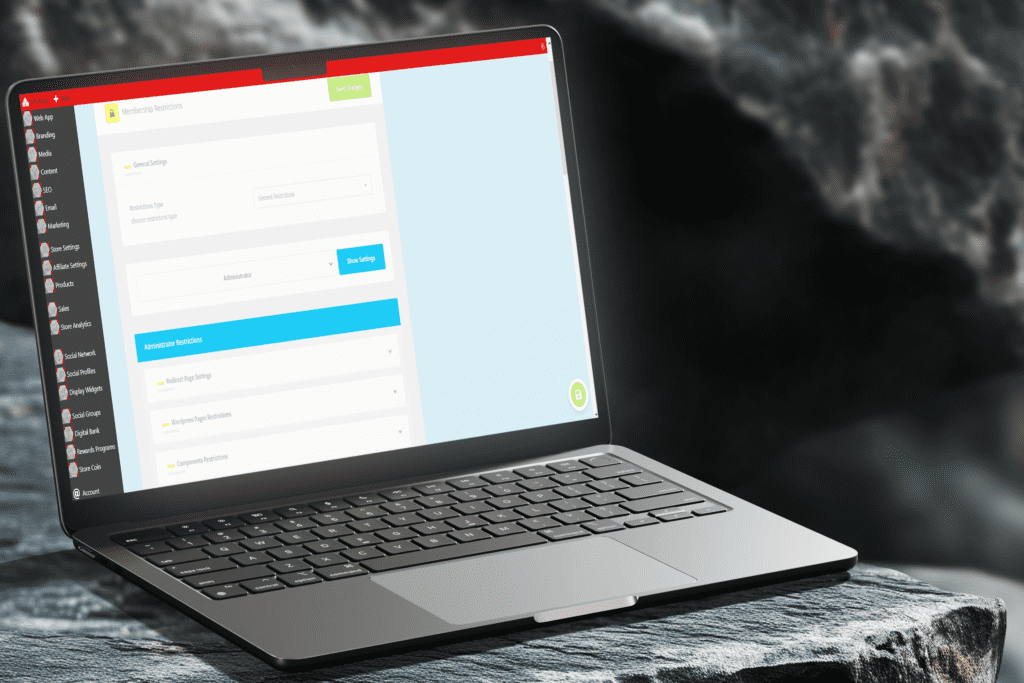
Member Restrictions – Defined for Access and Behavior
Set up restrictions to control access and activities within your social network. Use restrictions to manage member behavior and protect your community.
- Access Control: Restrict access to certain features or areas.
- Behavioral Rules: Define rules and consequences for member behavior.
- Time-Based Restrictions: Implement temporary bans or restrictions.
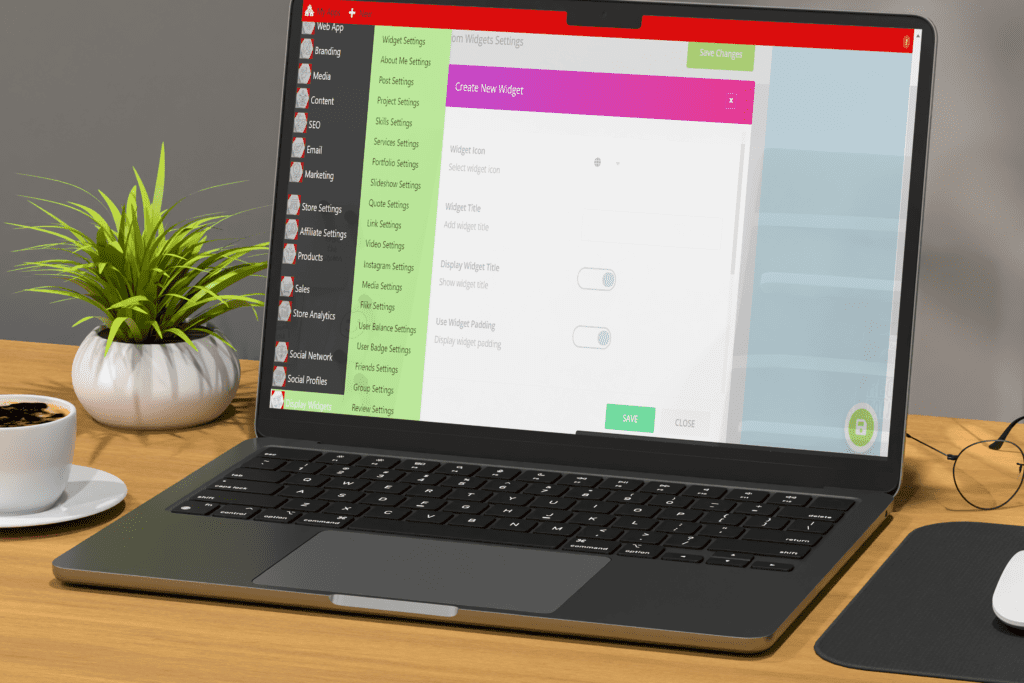
Display Widgets – Configured to Showcase Member Content
Use display widgets to enhance the user experience on your social network. Widgets can provide quick access to important features and improve navigation.
- Custom Widgets: Create widgets to display various types of content.
- Placement Options: Position widgets strategically throughout your network.
- Interactive Elements: Include interactive features to boost engagement.
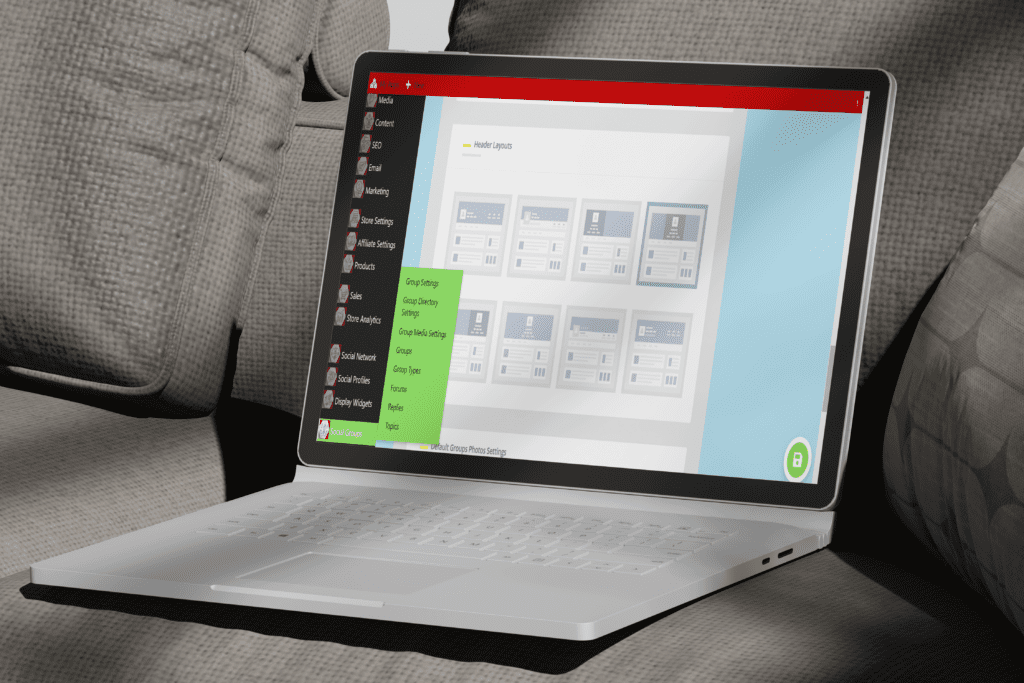
Group Settings – Supporting Member Connection and Collaboration
CREATE A SENSE OF COMMUNITY!

User Groups
Create and manage public, private, and secret groups, and set admins and moderators. Create the sense of community and shared interest.
Enable members to create and join groups based on shared interests. Groups are a great way to foster community and encourage deeper interactions.
- Group Creation: Allow members to create and manage their own groups.
- Group Privacy: Set privacy levels for different types of groups.
- Group Management: Provide tools for group leaders to manage members and content.
Gain alanytical oversite of your business growth
Integrate essential tools to attract and analyze visitors.
Enhance your marketing efforts with seamless integration.
Build Your Project Plans:
Build a Marketing Engine for Your Business
with Integrated Systems and Automated Processes
Say goodbye to the days of uncertainty surrounding your marketing ROI, endless sales complaints about lead quality, and the never-ending cycle of repetitive tasks.
During every step of your buyers’ journey, your visitors will navigate challenges and strive to achieve their goals in unique ways.
It’s crucial to connect with their thoughts and emotions as they move closer to making a purchase, ensuring you stay in perfect sync with them every step of the way.
Your first big step? Knowing your customers inside out. Understand who they are, identify their content requirements, and anticipate when they’ll need that content. This is the key to success!
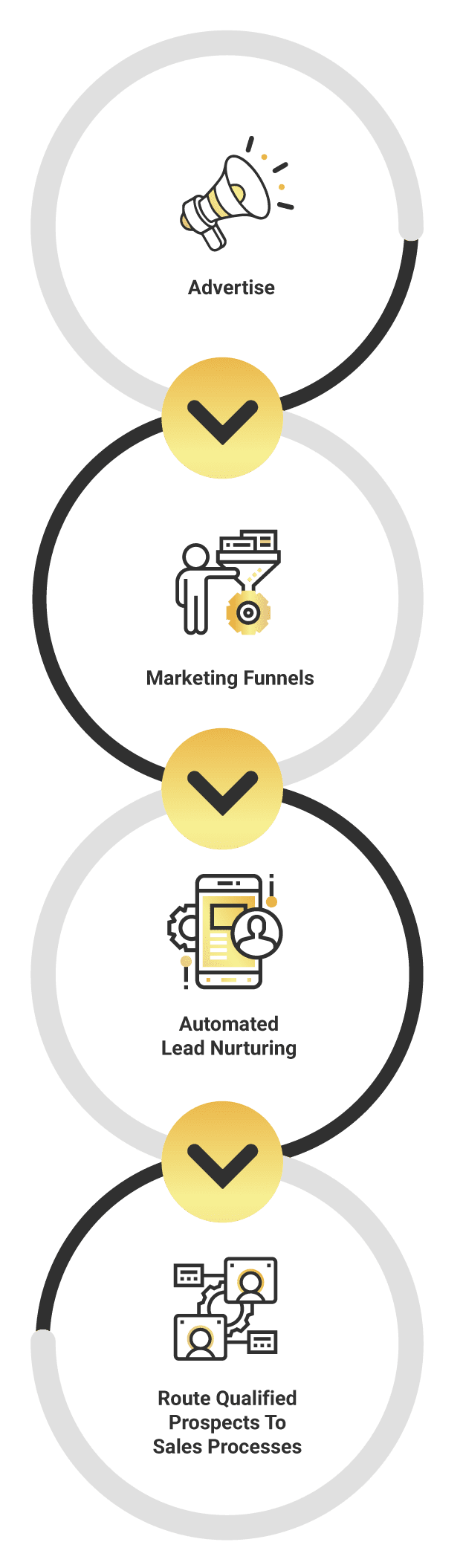
Effective marketing automation considers the evolving needs of your leads, and the behaviors and interactions they have with you across all your marketing channels.
Take Advantage of Pre-Integrated Features That Get Your Digital Business Online Faster!


Managing Your Online Bank That Supports Your Rewards & Loyalty Programs
Implementing a rewards program can significantly boost engagement and foster lasting brand loyalty.
Offer diverse rewards such as exclusive products, real cash incentives, and unique achievement-based rewards to actively engage your members.
Effortlessly Design and Implement Your Store’s Rewards and Loyalty Program
Earn Points: Use them to purchase products and features.
Seamlessly enable real-time tracking and automatic point awards through customizable events and triggers.
Gain Badges: Complete achievements and unlock badges.
Boost your users’ participation by rewarding them for their exceptional performance.
Unlock Ranks: Achieve higher ranks for better rewards.
Set ranks within your leaderboards and reward your users with significant perks after they reach a certain milestone.
Build Your Project Plan
For Rewards & Loyalty
Take Advantage Of Pre-Integrated Features
Utilize integrated email sending features to communicate effectively with your audience. Automate email campaigns, newsletters, and transactional emails to keep your customers engaged and informed.
Features:
- Automation: Schedule and send automated email campaigns.
- Customization: Personalize email content based on user data.
- Engagement Tracking: Monitor open rates, clicks, and conversions.
SMTP Email Sending Integration
Link your systems, gather data, and continuously optimize your marketing strategies. Deeply analyze visitor paths, conversions, and customer behavior to make informed decisions.
- Integration: Connect with Google Analytics and Tag Manager.
- Data Insights: Utilize an integrated analytics dashboard for detailed insights.
- Optimization: Continuously refine your marketing efforts based on data analysis.
Google Analytics Account Integration
Integrated Advertising Platforms
Build Your Project Plan
For Analytical Digital Advertising Integration
Simplify the integration of advertising pixels to optimize your conversion funnels. Gain valuable insights into visitor activities post-ad engagement and enhance your digital advertising ROI.
- Pixel Integration: Easily add and manage advertising pixels.
- Conversion Tracking: Monitor and analyze the effectiveness of your ads.
- ROI Improvement: Optimize your advertising strategy for better returns.
Your Social Post Content Schedule, Automated
Utilizing the integrated social share dashboard in our connected Web Apps, our team will ensure that your social media accounts are connected and the social posts get scheduled to the platforms your business utilizes.
Once the social posts have been written, designed, and approved, it is time to get them scheduled to your social ecosystem, matching your content schedule.
Build Your Project Plan
Social Media Post Automation
Connect Your Accounts
Create Social Posts
Schedule Content Schedule
The platforms you can share to with our integrated features include:
- Facebook (accounts, pages, groups)
- Twitter (accounts, first comment)
- Instagram (accounts, stories, first comment, link in bio)
- Threads
- TikTok (planly.com)
- LinkedIn (accounts, companies)
- Pinterest (account boards)
- YouTube (community)
- Reddit (accounts, subreddits, first comment)
- Tumblr (accounts)
- VK.com (accounts, pages, groups, events)
- OK.ru (accounts, groups)
- Telegram (chats, channels, groups)
- Medium (profiles, publications)
- Google Business Profile (locations)
- WordPress-based sites
- Plurk
- Blogger
- Discord (channels)
Integrated with tawk.to account
Build Your Project Plan
For Analytical Digital Advertising Integration
Implement a real-time visitor chat feature to connect with your audience instantly. Provide timely support, answer queries, and guide visitors through their buyer’s journey to improve conversion rates.
Features:
- Real-Time Support: Engage with visitors through live chat.
- Automated Responses: Use chatbots to handle common queries.
- Customer Insights: Gather valuable feedback and data from chat interactions.
Email SMTP Sender Settings: Set up professional email communication.
Utilize integrated email sending features to communicate effectively with your audience. Automate email campaigns, newsletters, and transactional emails to keep your customers engaged and informed.
- Automation: Schedule and send automated email campaigns.
- Customization: Personalize email content based on user data.
- Engagement Tracking: Monitor open rates, clicks, and conversions.
Advertising Pixel Management: Optimize ad performance.
Link your systems, gather data, and continuously optimize your marketing strategies. Deeply analyze visitor paths, conversions, and customer behavior to make informed decisions.
- Integration: Connect with Google Analytics and Tag Manager.
- Data Insights: Utilize an integrated analytics dashboard for detailed insights.
- Optimization: Continuously refine your marketing efforts based on data analysis.
Google Analytics Account Integration
Integrated Advertising Platforms
Build Your Project Plan
For Analytical Digital Advertising Integration
Simplify the integration of advertising pixels to optimize your conversion funnels. Gain valuable insights into visitor activities post-ad engagement and enhance your digital advertising ROI.
- Pixel Integration: Easily add and manage advertising pixels.
- Conversion Tracking: Monitor and analyze the effectiveness of your ads.
- ROI Improvement: Optimize your advertising strategy for better returns.
Google Analytics & Tag Manager: Track and analyze website traffic.
Link your systems, gather data, and continuously optimize your marketing strategies. Deeply analyze visitor paths, conversions, and customer behavior to make informed decisions.
- Integration: Connect with Google Analytics and Tag Manager.
- Data Insights: Utilize an integrated analytics dashboard for detailed insights.
- Optimization: Continuously refine your marketing efforts based on data analysis.
Google Analytics Account Integration
Social Media Schedule – Scheduled Social Posts To Your Community
Enhance site interaction with customizable social share buttons connected to over 50 networks. Offer your visitors a seamless way to share content directly to social media, enhancing user engagement and expanding your reach.
- Extensive network coverage and design options
- Detailed customization, including mobile messaging apps
- Advanced analytics for monitoring and optimizing social interactions
Integrated into your Web App Affiliate and Commission Programs Through All Your Content Social Share Buttons
Visitor Chat Integration: Engage visitors with live chat.
Implement a real-time visitor chat feature to connect with your audience instantly. Provide timely support, answer queries, and guide visitors through their buyer’s journey to improve conversion rates.
- Real-Time Support: Engage with visitors through live chat.
- Automated Responses: Use chatbots to handle common queries.
- Customer Insights: Gather valuable feedback and data from chat interactions.
If you want to view the onboarding form to complete that is included in your project management workspace. Please click here >>>>
Final Touches To Establish Your Digital Presence
Prepare for launch!
Finalize your web app with user testing, domain connection, and invite users to join.
Test Your Different User Role’s Web App Journeys
Dive deep into your customers’ experiences throughout their journey with your brand. Identify the various touchpoints where your clients engage or communicate with your organization.
While categorizing every “micro moment” might seem daunting, focus on those that propel you closer to your business goals.
Follow These 4 Steps to Map Out the Journey:
- Identify Where Goals Align
- Identify Communication Touchpoints
- Categorize Touchpoints as Good or Bad
- Identify Who is Responsible for Improving Each Area of Your Business in the Customer and User Journeys
Your digital business is now ready to make its mark!
After thoroughly testing all aspects of your web app user journeys to ensure a seamless experience, the final step is to connect your LIVE Domain Name effortlessly.
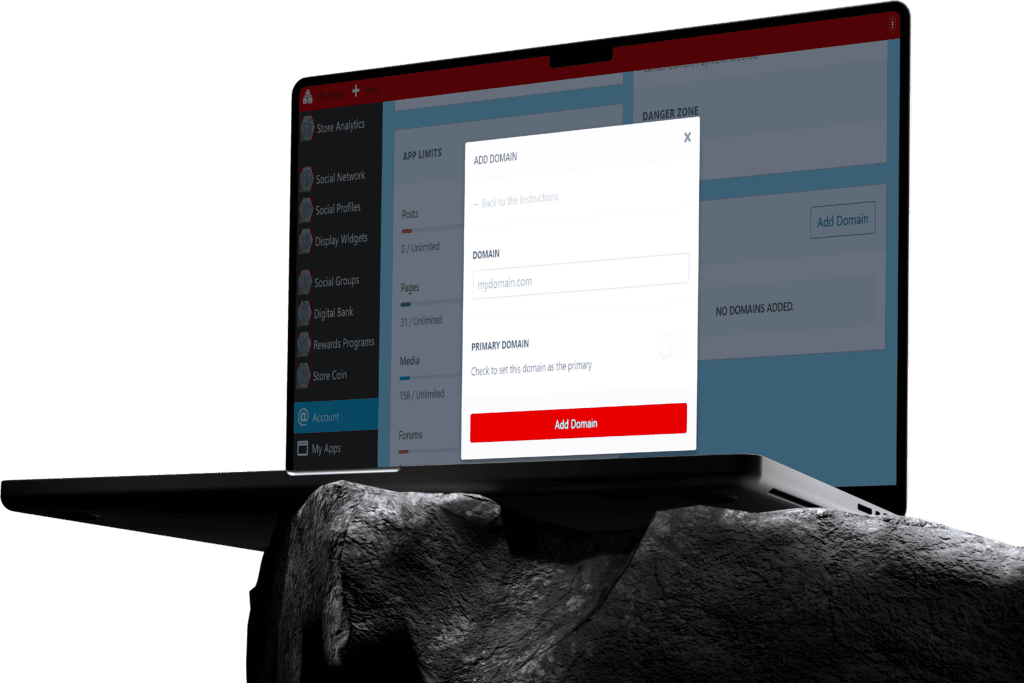
As your business grows, access scalable hosting solutions that can handle increased traffic and demand. Ensure that your web app continues to perform optimally as your user base expands.
Easily Move Your App To Independant Hosting For Free!
Migrate to scalable independent hosting to gain access to additional dashboards and tools that optimize your business web app. Enhance performance, analyze data more effectively, and ensure that your digital operations run smoothly.
If you want to view the onboarding form to complete that is included in your project management workspace. Please click here >>>>
Choose Project Plan To Start:
4.1 – User Journey
4.2 – Domain Management
4.3 – Scalable Hosting
Choose your growth campaign
Content
Marketing
Managed your content strategy & Schedule With Access To Content Creators To Take The Project Taskts You Like.
Build Your Asset Strategy
Click Here
Analytical
Advertising
Integrating the data from your advertising accounts into your Web Apps gives your a complete overview of your marketing spend.
Launch Analytical Campaign
Click Here
Building
Community
Social Posts have become the way people expect to be notified about any business updates, offers, and information transfer.
Automated Social Posts
Click Here
Pick, Design & Order Your Business Assets & Merchandise
Step 1
Pick Your Item
Step 2
Design It Yourself
Design your assets by dragiging your image files to your desigered location.
Professionally Designed
You can have any of the assets designed by a professional design team.
Make the selection at checkout.
Step 3
Order Your Item
If you want to have us order and manage the item to your store
Add the CNTL Safety Rewards Loyalty Rewards Portal Example
Easily Manage All Your Digital Business Projects Through Your Member Profile
We pre-integrate our project management tools into the backend of all our member’s connected Web Apps and even more features to all our member profiles here with the ability to connect projects into business groups.
Allowing you to invites your team members, assign tasks, and get a complete overview of all tasks as you access a network of Digital Specialists ready to help you build, grow and optimize your digital business
Click here to learn more about our integrated project management features
- Business Groups
- Indivdual Project Workspaces
- Task Management Dashboard
[wpdreams_ajaxsearchpro_results id=7 element=’div’]
Easily Manage All Your Digital Business Projects Through Your Member Profile
We pre-integrate our project management tools into the backend of all our member’s connected Web Apps and even more features to all our member profiles here with the ability to connect projects into business groups.
Allowing you to invites your team members, assign tasks, and get a complete overview of all tasks as you access a network of Digital Specialists ready to help you build, grow and optimize your digital business
Click here to learn more about our integrated project management features
- Business Groups
- Indivdual Project Workspaces
- Task Management Dashboard