Create, Organize & Publish Content That Drives Action
Your app’s voice lives here. The Content Management Dashboard is where strategy meets storytelling—allowing you to build pages, launch blog posts, manage forms, and structure your app’s content without code or confusion.
Whether you’re publishing daily or managing evergreen assets, this dashboard makes content creation seamless and scalable.
🧾 Build and Manage Pages Using Drag-and-Drop Tools
Visually construct each page of your app using intuitive widgets—then embed forms directly into those pages for lead generation, feedback collection, or onboarding.
Pages
View and Organize All Your Pages
Access, edit, and sort all published, scheduled, or draft pages. Find what you need quickly, and keep your page library organized as your platform grows.
Publish engaging articles that educate, inspire, and bring users back for more. Blogging is central to SEO, authority building, and community engagement—and this dashboard makes it easy.
Posts
Manage All Blog Content From One Dashboard
Filter by category, tag, or status. View scheduled drafts, edit published posts, or collaborate with team members—all in one place.
[vg_display_admin_page page_url="edit.php"]
Comments
Moderate and Respond to Community Feedback
Keep the conversation flowing. Monitor blog post comments, reply to users, and create a feedback loop that drives trust and interaction.
Connect your favorite social platforms, schedule content ahead of time, and ensure your message is consistent across channels. Save time while amplifying your reach.
Add branded social sharing buttons to any content, styled for mobile and desktop. Make it easy for your users to share posts, products, and pages with their networks.
Manage communication, files, media and projects in one place — every app you launch at gend.me gets a private Project Group to build, approve and scale your digital business.
Every new Web App Launched at gend.me gains access to it’s own Digital Business Project Group!
We cannot display this workspace inside the popup.
Review the WooCommerce description for this product.
Loading product details.
Project Consultant — your delivery partner
A vetted Project Consultant helps craft project plans, wireframes and delivery checklists so your app launches and grows with fewer surprises. They bring product, copy and design expertise that aligns work to your business goals.
Why they matter: Fast onboarding, clear next steps, and a single person who knows your goals.
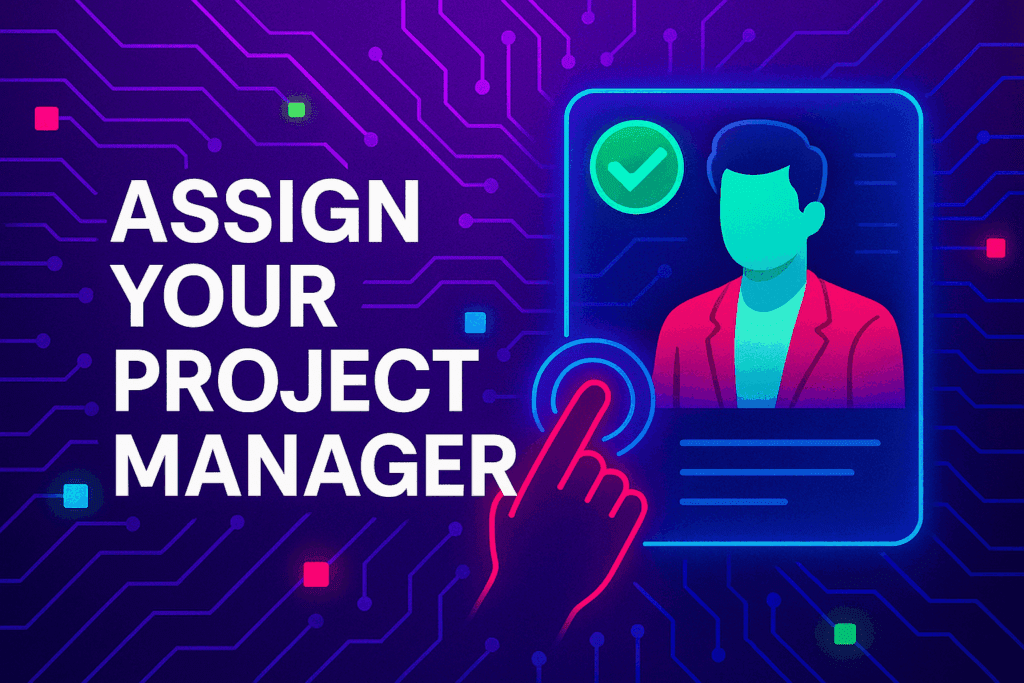
How to assign (3 steps): 1. Open Project Group header → 2. Click Assign in Project Consultant → 3. Search, message and assign.
Auto-assign: If your referrer holds a Project Consultant role they will be suggested automatically
Self-assign: Click Assign in the Project Group header, browse available consultants, message a candidate and select the best fit.
Need help? Ask the Digital Navigator or request an introduction — consultants also monitor unassigned groups and will reach out.
Choose Your Character
Join The Team Of Web Builders
Engage In Projects That Build The Network Of Web Apps & Grow The Business Owner’s Digital Business That They Support.
We are on a mission to give back ownership of Business Data To Business Owners & Take Away Being At The Mercy Of Another Platforms Policies & Rules.
 Web Apps
 Build With Leo
 Contract Wallet
 Project Plan Selection
 Group Workspace