Product Template — Task Completion

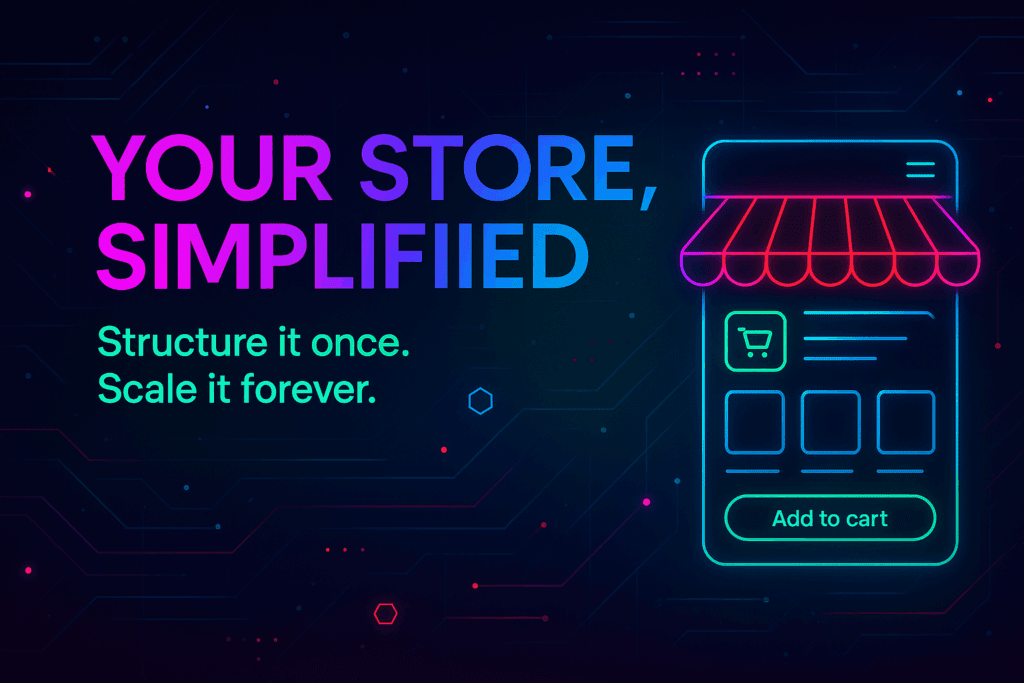
Product pages with storytelling, proof, and purchase logic — designed to convert browsers into buyers.

Your product page must do three things: explain value, prove credibility, and remove purchase friction. This template provides the structure and conversion hooks to do exactly that — for physical, digital, or subscription products.

Task: ✔ Product Page

Give your product the stage it deserves.

What we’ll build (overview):

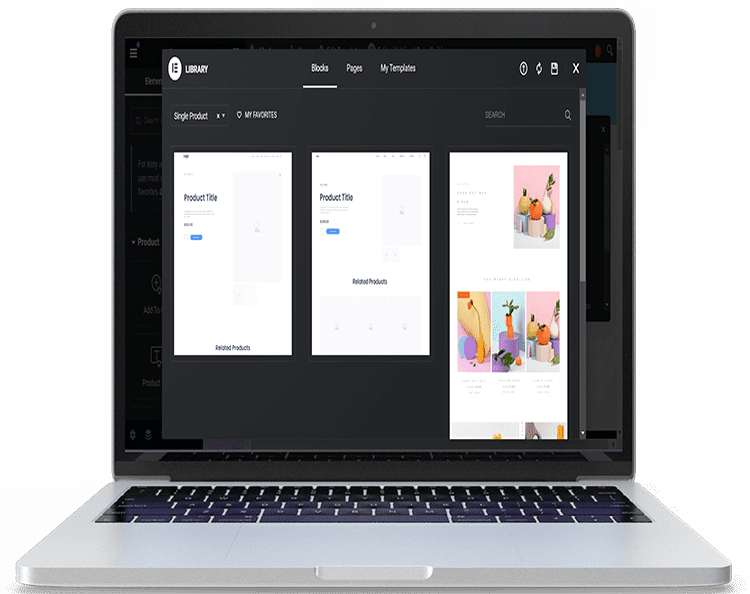
✅ Product detail template: hero/media, price/variant selector, concise benefits, long-form story, proof (reviews/case studies), and clear CTA.
✅ Variant support & inventory: SKU handling, stock state, and low-stock messaging.
✅ Purchase UI: quantity, add-to-cart, buy-now, and deferred payment options.
✅ Cross-sell & upsell slots: related products, bundles, and recommended collections.
✅ Analytics and conversion hooks: add-to-cart, variant selection, and checkout entry events.

2 Tasks

Use your credits at checkout!

Why This Matters

Higher conversion

— layout and copy scaffold designed to move users from curiosity to purchase.

✅ Scalable merchandising

— reusable components that make new products quick to publish and consistent with brand.

✅ Technical completeness

— supports variants, inventory, pricing logic, and integrations (reviews, recommendations, bundles).

🔗 Integrated Project Workspace
Included deliverables

  • One responsive Product Page Template with modular sections and conversion scaffolding.
  • Media gallery patterns (hero image/video, thumbnails, lightbox).
  • Variant selector and pricing display logic.
  • Trust & proof area (reviews, badges, guarantees).
  • Structured product schema for SEO and shareability.
  • One round of QA with sample products.

Productized scope & task credits

  • Product Page Template — recommended 2 Task Credits (standard product page).

Optional: Advanced product logic (subscription variants, license keys, complex bundles) — additional +1–3 Task Credits depending on complexity.

The Evolution

WordPress, Evolved.

We didn’t replace WordPress; we supercharged it.

We stripped away the bloat and engineered a Next-Gen Core. It’s the familiar flexibility you love, fused with the enterprise-grade architecture you need. No more "plugin soup"—just a streamlined, high-performance canvas ready for your ideas.
Info

Your Team

Meet Leo: Your AI Architect.

Stuck on a layout? Need a new conversion flow? Just ask Leo.

Leo is your always-on AI Web Builder Assistant. From generating wireframes to writing code snippets and optimizing content, Leo turns your conversational requests into technical reality. It’s like having a senior developer and a UX designer in your pocket, 24/7.
Info

The Future

The Vault: Integrated Smart Contract Wallet.

The Vault: Integrated Smart Contract Wallet.

gend.me comes ready for the new economy. Secure Access: Manage digital assets and keys directly from your dashboard. Token Gating: Create exclusive areas of your app accessible only to token holders. Automated Trust: Execute smart contracts for revenue sharing and membership verification without third-party friction.
Info

Try The Web Building Dashboards FREE for 7 days

Welcome To Your Gend.me Account

Customer Account Close

Select Project Workspace To Execute

Connect With Your App Building Team

Manage communication, files, media and projects in one place — every app you launch at gend.me gets a private Project Group to build, approve and scale your digital business.

Every new Web App Launched at gend.me gains access to it’s own Digital Business Project Group!

Loading groups...

Project Consultant — your delivery partner

A vetted Project Consultant helps craft project plans, wireframes and delivery checklists so your app launches and grows with fewer surprises. They bring product, copy and design expertise that aligns work to your business goals.

Why they matter: Fast onboarding, clear next steps, and a single person who knows your goals.

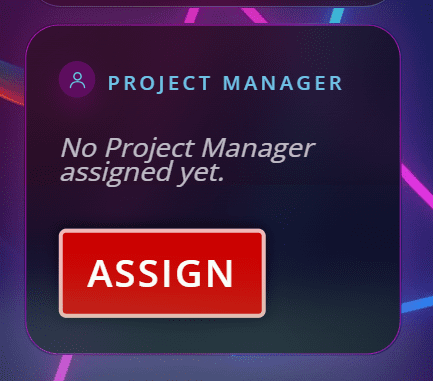
How to assign (3 steps): 1. Open Project Group header → 2. Click Assign in Project Consultant → 3. Search, message and assign.

Auto-assign: If your referrer holds a Project Consultant role they will be suggested automatically

Self-assign: Click Assign in the Project Group header, browse available consultants, message a candidate and select the best fit.

Need help? Ask the Digital Navigator or request an introduction — consultants also monitor unassigned groups and will reach out.

Choose Your Character

Join The Team Of Web Builders

Engage In Projects That Build The Network Of Web Apps & Grow The Business Owner’s Digital Business That They Support.

We are on a mission to give back ownership of Business Data To Business Owners & Take Away Being At The Mercy Of Another Platforms Policies & Rules.