Reduced time to launch, ongoing management fees, and licensing costs!
Your Branded App with Login Pages
Your unique brand deserves a distinct digital home. Our package includes a fully branded app featuring personalized login pages, ensuring a seamless and professional user experience.
Custom App Theme with Header and Footer
Make a lasting impression with a custom app theme that aligns perfectly with your brand identity. Tailored header and footer designs enhance the visual appeal and user engagement of your digital space.
Custom Branded App Emails and Email Integration
Strengthen your brand communication with custom-branded app emails. Seamlessly integrate email capabilities into your app for efficient communication with your audience.
5 Pages of Custom Branded Content with Form and Email Integration
Craft a captivating digital presence with five pages of custom-branded content. Integrated forms and emails ensure that your audience can easily connect with you, fostering meaningful interactions.
User-Friendly Support for Ongoing Management
As your digital business evolves, our support ensures you can effortlessly manage and expand your web app. We empower you with the tools and guidance needed for continuous growth.
Utilizing our automated processes we get to skip the install and set up times so we can get building right away and your digital business comes online faster.
Coding-Free Visual Solutions
Bid farewell to coding concerns and embrace the freedom to build and own your digital content effortlessly. Our members enjoy easy-to-use, no-code tools that empower them to shape their online presence without the fear of policy-related setbacks.
Optimize Your Content Strategy with Ease
Efficiently manage your online assets and maximize the impact of your digital media efforts. Our intuitive drag-and-drop interface allows you to design and build your web application effortlessly. Choose from a diverse range of templates, widgets, and integrations to create a unique and impactful solution tailored precisely to your business needs. Your digital journey starts here – with simplicity, creativity, and control at your fingertips.
Manage communication, files, media and projects in one place — every app you launch at gend.me gets a private Project Group to build, approve and scale your digital business.
Every new Web App Launched at gend.me gains access to it’s own Digital Business Project Group!
We cannot display this workspace inside the popup.
Review the Your Online Store description for this product.
Loading product details.
Project Consultant — your delivery partner
A vetted Project Consultant helps craft project plans, wireframes and delivery checklists so your app launches and grows with fewer surprises. They bring product, copy and design expertise that aligns work to your business goals.
Why they matter: Fast onboarding, clear next steps, and a single person who knows your goals.
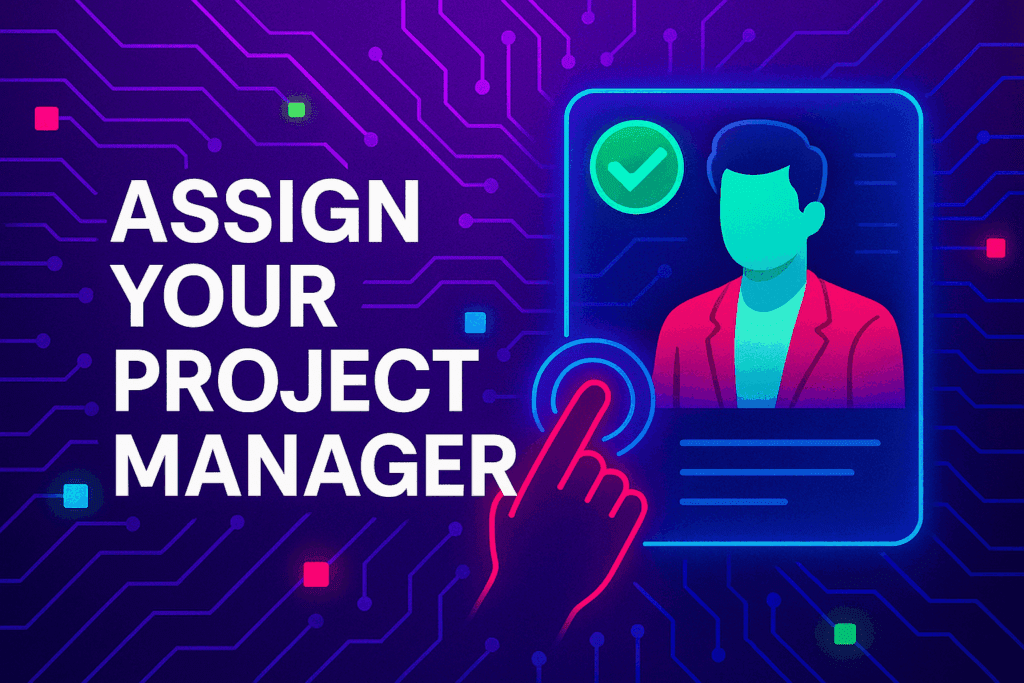
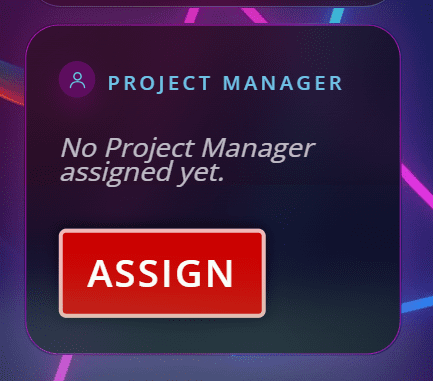
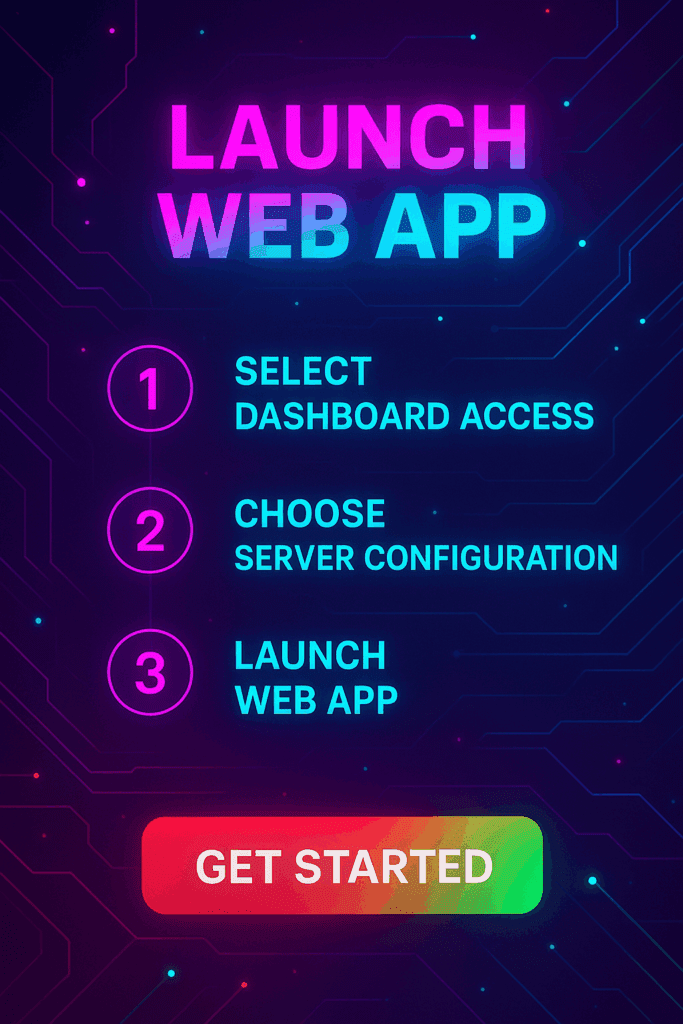
How to assign (3 steps): 1. Open Project Group header → 2. Click Assign in Project Consultant → 3. Search, message and assign.
Auto-assign: If your referrer holds a Project Consultant role they will be suggested automatically
Self-assign: Click Assign in the Project Group header, browse available consultants, message a candidate and select the best fit.
Need help? Ask the Digital Navigator or request an introduction — consultants also monitor unassigned groups and will reach out.
Try The Web Building Dashboards FREE for 7 days
Welcome To Your Gend.me Account
Customer Account
Close
Select Project Workspace To Execute
Choose Your Character
Join The Team Of Web Builders
Engage In Projects That Build The Network Of Web Apps & Grow The Business Owner’s Digital Business That They Support.
We are on a mission to give back ownership of Business Data To Business Owners & Take Away Being At The Mercy Of Another Platforms Policies & Rules.
We use cookies to ensure that we give you the best experience on our website. If you continue to use this site we will assume that you are happy with it.AcceptPrivacy Policy















 >>Launch Web Apps
 >>Project Manager
 >>Smart Wallet
 Smart Contracts