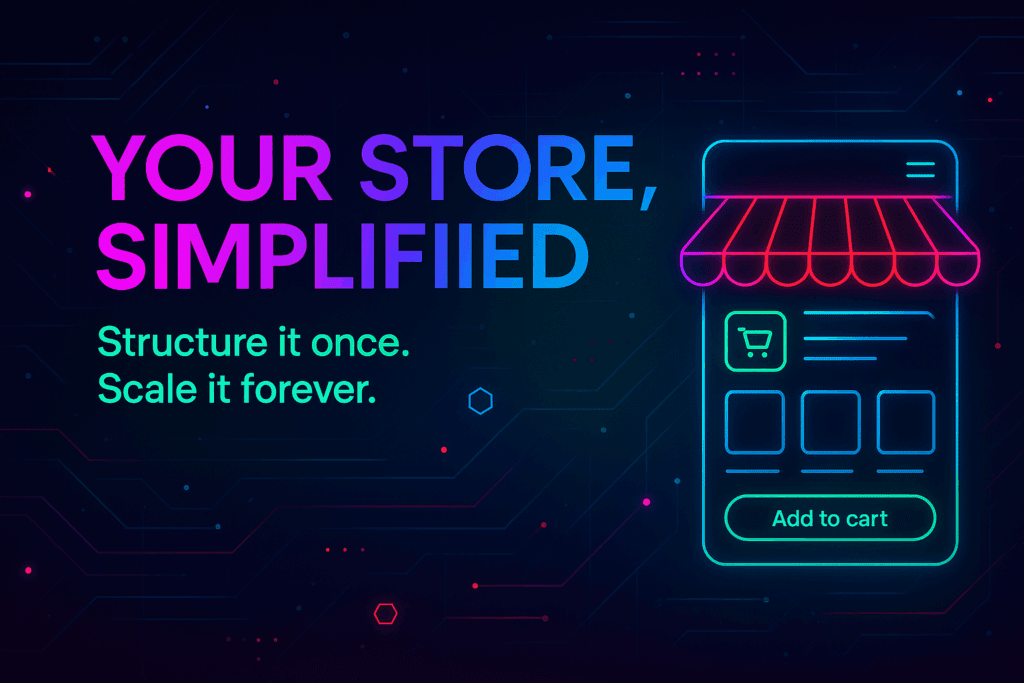
Running a successful online store requires a robust and user-friendly management system. Our Store Dashboard is designed to provide you with all the tools necessary to efficiently manage your store details, pages, payment methods, shipping, and tax details. From setting up your cart page to configuring your tax settings, our Store Dashboard makes it easy to keep your e-commerce operations running smoothly.
Our Store Dashboard offers a wide range of features to help you manage every aspect of your online store:
Protect your customers’ data and manage account settings efficiently:
Provide a variety of payment options to cater to your customers’ preferences:
Ensure accurate and efficient shipping management:
Comply with regional tax regulations and provide transparency:
Our Store Dashboard is designed to simplify the management of your online store, offering a user-friendly interface and comprehensive features:
Ready to optimize your online store management? Log in to your Store Dashboard and start configuring your store settings today. With our powerful tools, you can ensure a seamless shopping experience for your customers and efficiently manage your e-commerce operations.
Elevate your online store management with our comprehensive Store Dashboard. Start configuring your store details, pages, payment methods, shipping, and tax settings today to drive success and provide an exceptional shopping experience for your customers!

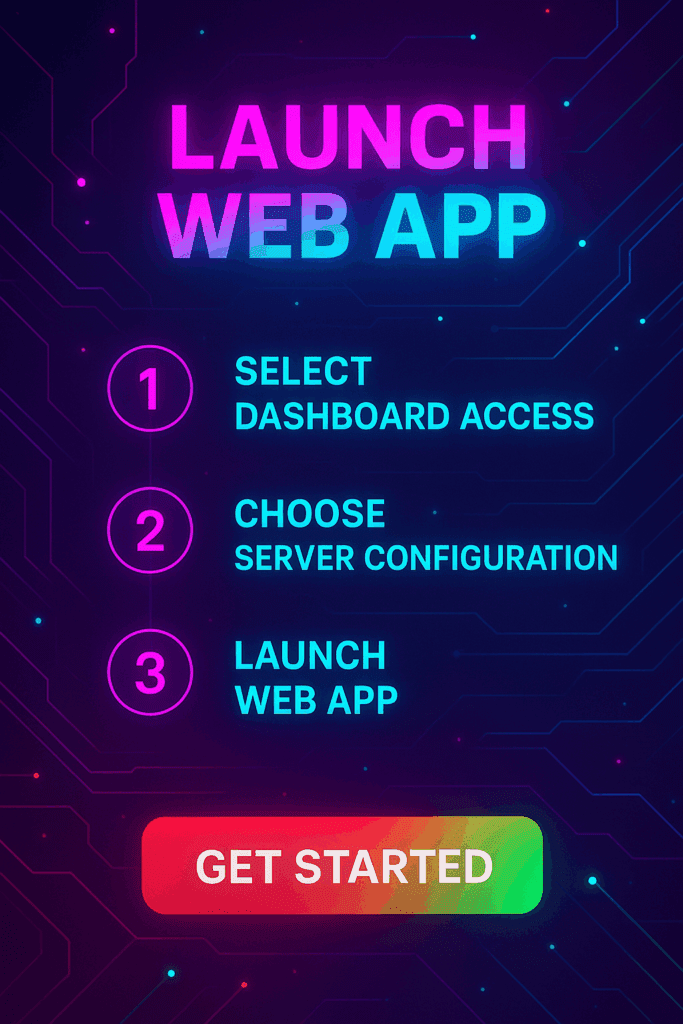
Manage communication, files, media and projects in one place — every app you launch at gend.me gets a private Project Group to build, approve and scale your digital business.
Every new Web App Launched at gend.me gains access to it’s own Digital Business Project Group!

We cannot display this workspace inside the popup.
Open workspace in a new tabWorkspace content is unavailable for this project.
Please sign in to view your workspaces.
Sign in to see your assigned tasks.
We could not load the activity feed inside the popup.
Open activity in a new tabLoading product fields.
Review the WooCommerce description for this product.
Loading product details.

A vetted Project Consultant helps craft project plans, wireframes and delivery checklists so your app launches and grows with fewer surprises. They bring product, copy and design expertise that aligns work to your business goals.
Why they matter: Fast onboarding, clear next steps, and a single person who knows your goals.

How to assign (3 steps): 1. Open Project Group header → 2. Click Assign in Project Consultant → 3. Search, message and assign.
Auto-assign: If your referrer holds a Project Consultant role they will be suggested automatically
Self-assign: Click Assign in the Project Group header, browse available consultants, message a candidate and select the best fit.
Need help? Ask the Digital Navigator or request an introduction — consultants also monitor unassigned groups and will reach out.
























Engage In Projects That Build The Network Of Web Apps & Grow The Business Owner’s Digital Business That They Support.
We are on a mission to give back ownership of Business Data To Business Owners & Take Away Being At The Mercy Of Another Platforms Policies & Rules.
 >>Launch Web Apps
 >>Project Manager
 >>Smart Wallet
 Smart Contracts