Managing a dynamic online community can be challenging, but with our Users Dashboard, you gain a powerful set of tools designed to simplify and enhance your community management experience. Whether you’re running a membership site, an online forum, or a community-focused web app, our Users Dashboard offers everything you need to manage users efficiently and effectively.
One of the standout features of our Users Dashboard is its robust role management capabilities. This feature allows you to:
Stay on top of all the happenings within your community with our comprehensive monitoring tools:
Our Users Dashboard makes it easier than ever to manage your community members:
Maintain a positive and respectful community environment with our advanced moderation settings:
Our Users Dashboard provides extensive tools to manage membership access and restrictions:
Our Users Dashboard is designed to give you complete control over your community management. With its comprehensive set of tools, you can ensure that your community is engaging, secure, and well-organized.
Ready to take your community management to the next level? Log in to your Web App Users Dashboard and start exploring these powerful features today. Transform your community into a thriving, engaged, and well-managed space with the tools at your fingertips.
Empower your community with our advanced Users Dashboard. Dive into these features now and see the difference in your community management experience!

Manage communication, files, media and projects in one place — every app you launch at gend.me gets a private Project Group to build, approve and scale your digital business.
Every new Web App Launched at gend.me gains access to it’s own Digital Business Project Group!

We cannot display this workspace inside the popup.
Open workspace in a new tabWorkspace content is unavailable for this project.
Please sign in to view your workspaces.
Sign in to see your assigned tasks.
We could not load the activity feed inside the popup.
Open activity in a new tabLoading product fields.
Review the WooCommerce description for this product.
Loading product details.
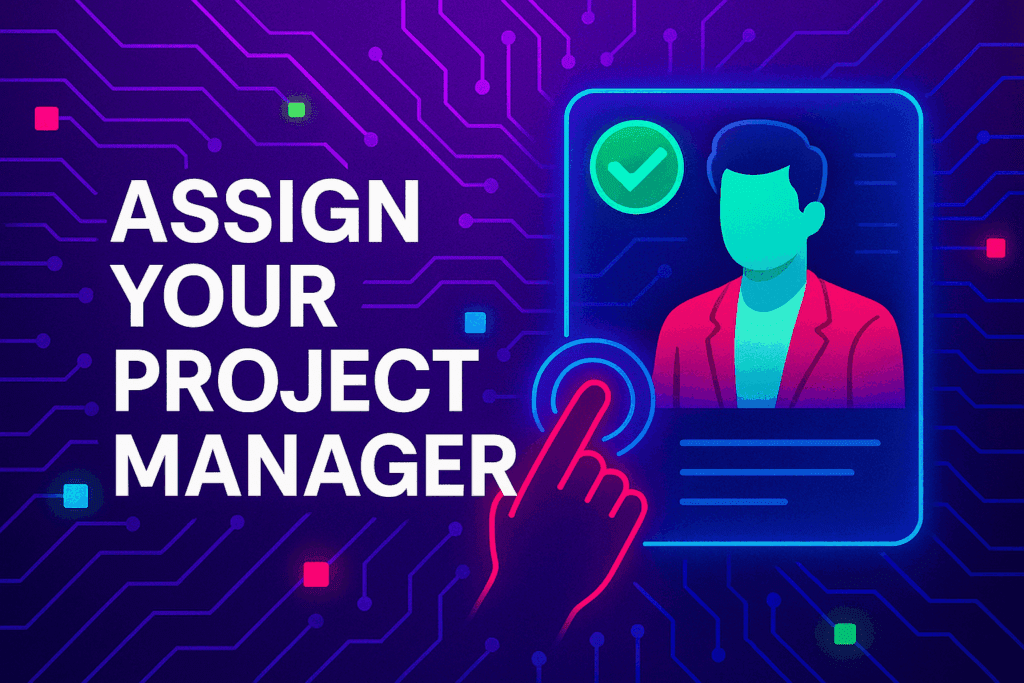
A vetted Project Consultant helps craft project plans, wireframes and delivery checklists so your app launches and grows with fewer surprises. They bring product, copy and design expertise that aligns work to your business goals.
Why they matter: Fast onboarding, clear next steps, and a single person who knows your goals.

How to assign (3 steps): 1. Open Project Group header → 2. Click Assign in Project Consultant → 3. Search, message and assign.
Auto-assign: If your referrer holds a Project Consultant role they will be suggested automatically
Self-assign: Click Assign in the Project Group header, browse available consultants, message a candidate and select the best fit.
Need help? Ask the Digital Navigator or request an introduction — consultants also monitor unassigned groups and will reach out.
























Engage In Projects That Build The Network Of Web Apps & Grow The Business Owner’s Digital Business That They Support.
We are on a mission to give back ownership of Business Data To Business Owners & Take Away Being At The Mercy Of Another Platforms Policies & Rules.
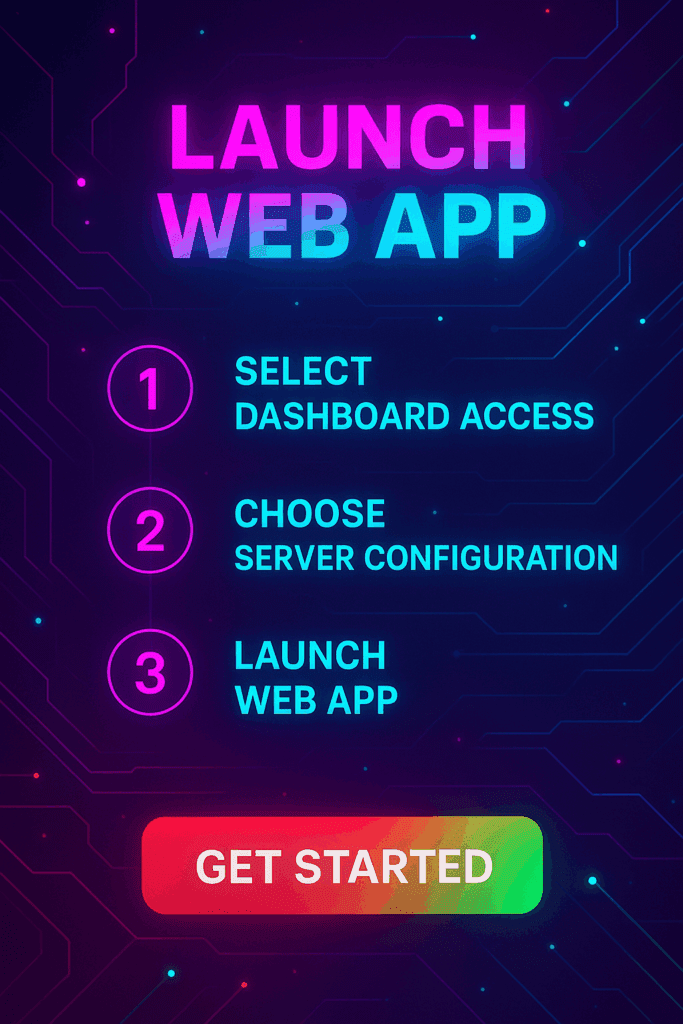
 >>Launch Web Apps
 >>Project Manager
 >>Smart Wallet
 Smart Contracts