Assign Feature Access, Empower Your Team, and Protect Your Platform
Every growing business needs a secure, flexible way to manage user access. Whether you’re building solo or collaborating with a team, the User Access Dashboard gives you full control over who sees what—and what they can do.
Easily assign dashboard permissions, style your login and registration flows, and protect your app with built-in security tools.
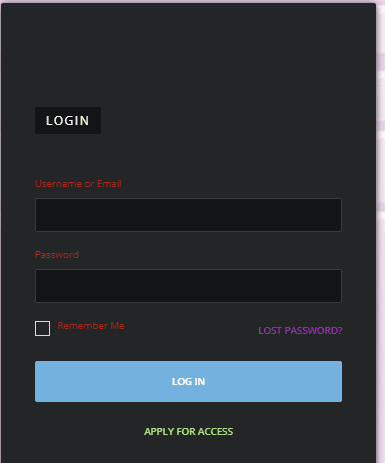
Style the Login Experience & Lock Down Your App’s Access
Your login page is the front door to your digital business. From visual styling to security protocols, you can customize every detail—ensuring a seamless, on-brand experience for users while protecting your backend from threats.
Provide users with a branded reset form they can trust—complete with automated links, confirmation messaging, and styling that matches the rest of your app.
Define how many attempts are allowed, lockout durations, and notifications—keeping your app secure and your team’s access under control.
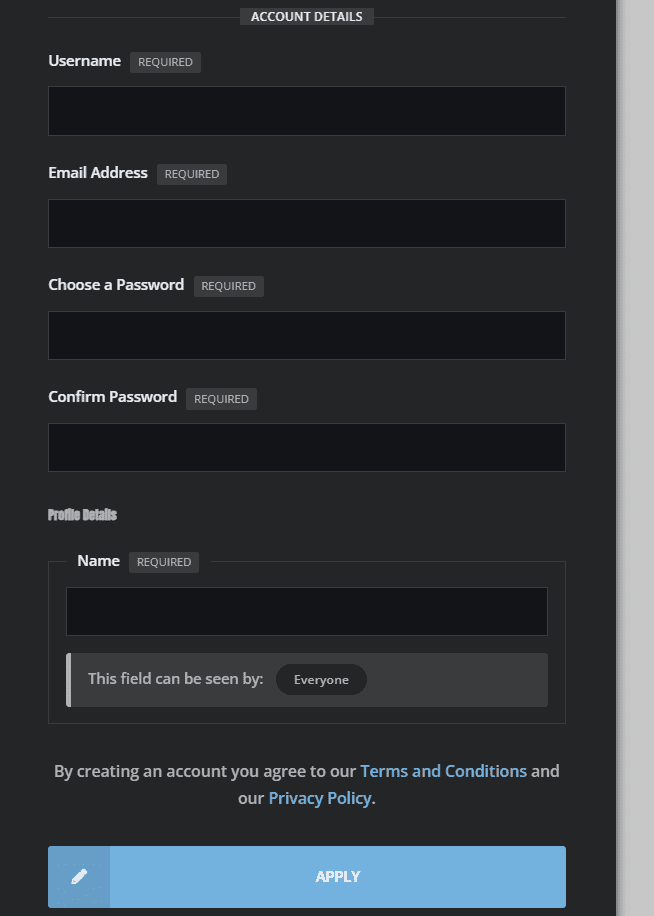
Customize Your Registration Experience & Collect What Matters
Your registration form is more than a gateway—it’s the first handshake between your app and your new member. Build trust instantly with branded, streamlined forms that collect only what you need. Then, automate everything else behind the scenes.
Set the layout, field order, and button copy to guide users through sign-up without confusion. Make it simple, intuitive, and fully aligned with your brand voice.
Give Each User the Access They Need
Every app is built by a team—even if that team starts with one. Assign roles and dashboard access levels to collaborators, contributors, and clients without exposing unnecessary features. Stay flexible as your business scales.
[vg_display_admin_page page_url="users.php"]
Assign Roles for Content Creation
Control who can create, edit, and publish across your app. From blog posts to landing pages, assign content-building permissions to selected roles so your digital voice stays consistent—no matter how many team members contribute.
Manage communication, files, media and projects in one place — every app you launch at gend.me gets a private Project Group to build, approve and scale your digital business.
Every new Web App Launched at gend.me gains access to it’s own Digital Business Project Group!
We cannot display this workspace inside the popup.
Review the Your Online Store description for this product.
Loading product details.
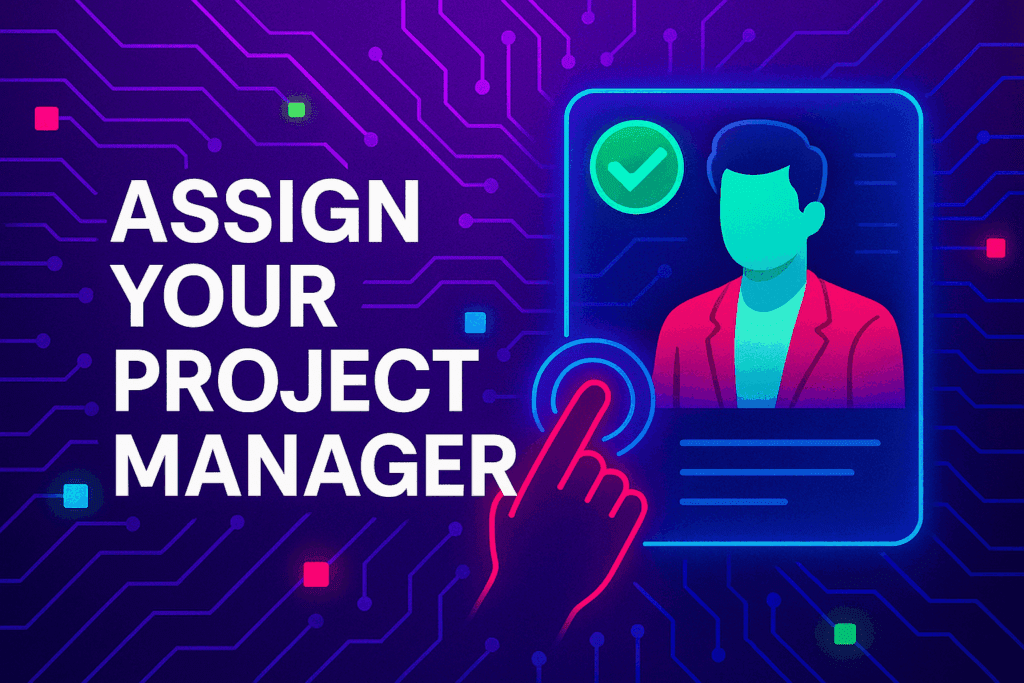
Project Consultant — your delivery partner
A vetted Project Consultant helps craft project plans, wireframes and delivery checklists so your app launches and grows with fewer surprises. They bring product, copy and design expertise that aligns work to your business goals.
Why they matter: Fast onboarding, clear next steps, and a single person who knows your goals.
How to assign (3 steps): 1. Open Project Group header → 2. Click Assign in Project Consultant → 3. Search, message and assign.
Auto-assign: If your referrer holds a Project Consultant role they will be suggested automatically
Self-assign: Click Assign in the Project Group header, browse available consultants, message a candidate and select the best fit.
Need help? Ask the Digital Navigator or request an introduction — consultants also monitor unassigned groups and will reach out.
Try The Web Building Dashboards FREE for 7 days
Welcome To Your Gend.me Account
Customer Account
Close
Select Project Workspace To Execute
Choose Your Character
Join The Team Of Web Builders
Engage In Projects That Build The Network Of Web Apps & Grow The Business Owner’s Digital Business That They Support.
We are on a mission to give back ownership of Business Data To Business Owners & Take Away Being At The Mercy Of Another Platforms Policies & Rules.
We use cookies to ensure that we give you the best experience on our website. If you continue to use this site we will assume that you are happy with it.AcceptPrivacy Policy























 Web Apps
 Remote Projects
 Smart Contracts
 >>Smart Wallet