
Stop Renting.
Launch Sovereign.
The autonomous digital ecosystem designed to eradicate SaaS lock-in.
Deploy your web app instantly, command your data, and scale on decentralized infrastructure.

Pillar 1: Integrated AI Engine
Stop paying for fragmented AI subscriptions. Instantly generate wireframes, write high-converting copy, and deploy automated workflows natively within your workspace.
Deploy Engine ➔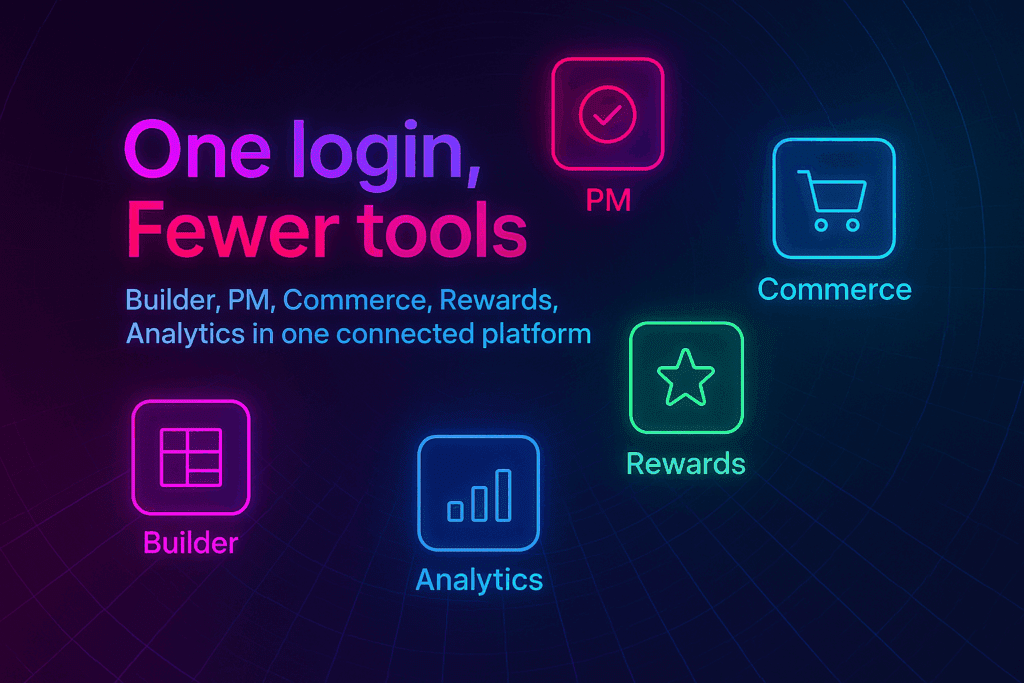
Pillar 2: End-to-End Payments
Eradicate opaque, expensive payment processors. Your built-in autonomous CFO utilizes smart contracts to instantly route global revenue to your team, vendors, and affiliates.
Automate Payments ➔
Pillar 3: Total Data Sovereignty
Your audience, your data, your ecosystem. Secure your digital assets on independent blockchain compute with absolute authority and zero platform lock-in.
Command Infrastructure ➔Select Your Deployment Engine
Deploy a pre-integrated sovereign ecosystem instantly.
Select Your Business Model


Content Builder
Command your digital identity. Instantly deploy AI-powered dashboards for rapid wireframing, automated blog generation, and community email nurturing—without renting a dozen different tools.


Autonomous Commerce
Deploy a sovereign e-commerce engine. Gain immediate access to smart-contract payment routing, remote project tracking, and dynamic sales team hubs that scale autonomously.


Sovereign Network
Launch a censorship-resistant private community. Command absolute authority over your audience, membership tiers, and community reward systems with zero platform overrides.


The Central Hub for Your Decentralized Business.
Web apps launched at gend.me gain immediate access to their own integrated hub. Command your entire digital operation from a single, unified interface.
