
Turn Strategy
into Execution with LEO AI
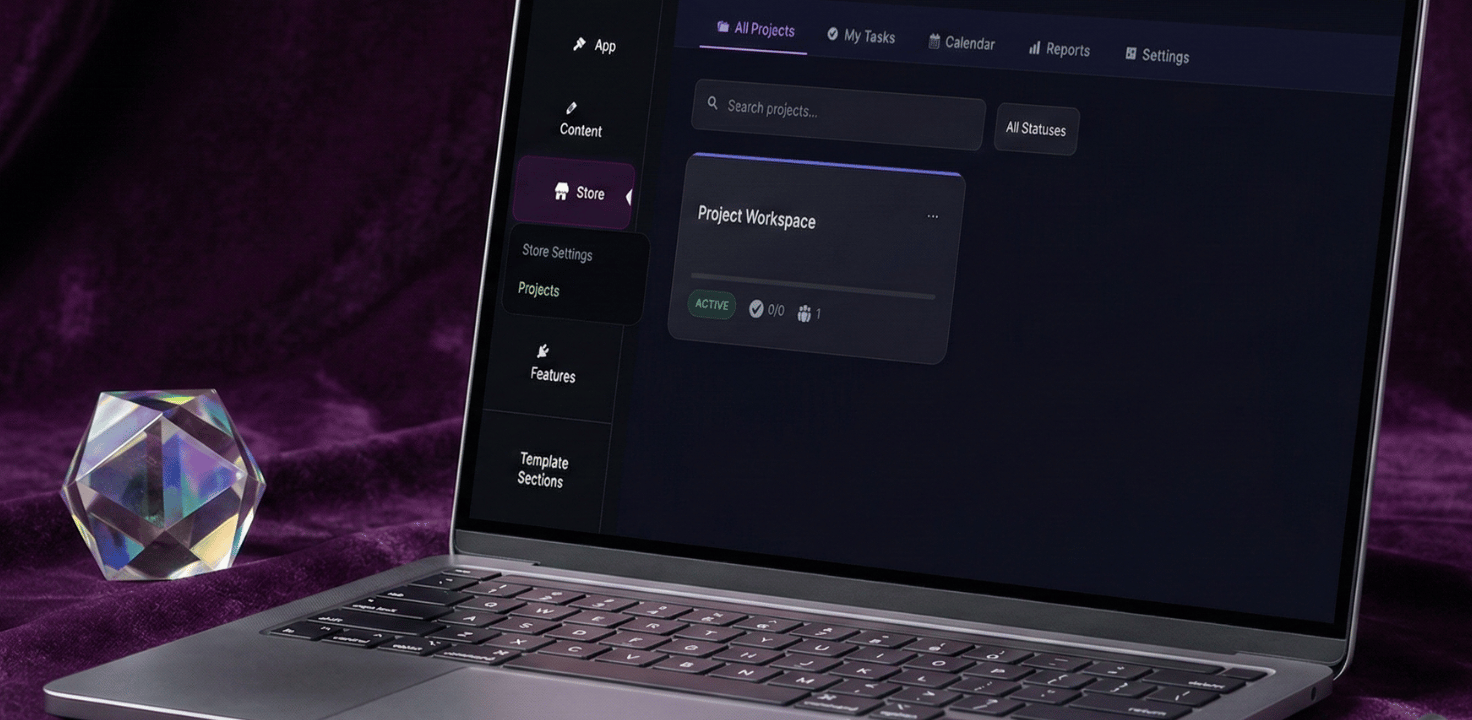
The gend.me Project Dashboard is where vision meets velocity. We’ve moved beyond simple “to-do lists” to create a robust Execution Engine fully integrated into your ecosystem.
Whether you are managing internal development or delivering high-ticket client results, hit every deadline with structural clarity.
Embedded Project Intelligence
With LEO AI embedded in your workflow, you can generate project roadmaps, draft task requirements, and summarize progress reports instantly—keeping your team synchronized and your overhead low.
The Central Command Center
Unified_Oversight_Granular_Control
⬢ Project Workspaces
Collaboration Hub Link workspaces directly to Social Network groups to create a unified environment where communication and production happen in one place.
⬢ Intelligent Templates
Purchase-to-Project Logic Blueprints linked to your Online Store. When a product is purchased, the corresponding project architecture deploys automatically.
⬢ My Tasks Dashboard
Personalized Focus Filter out the noise with a high-focus view. Track every task, sub-task, and deadline assigned specifically to you.
⬢ Calendar & Reports
Bird’s-Eye View Monitor team bandwidth, track time-on-task, and generate professional performance reports for stakeholders instantly.
Inside the Workspace:
The Project DNA
Everything you need, exactly where you need it. Every Project Workspace is a self-contained ecosystem equipped with the tools to drive results.
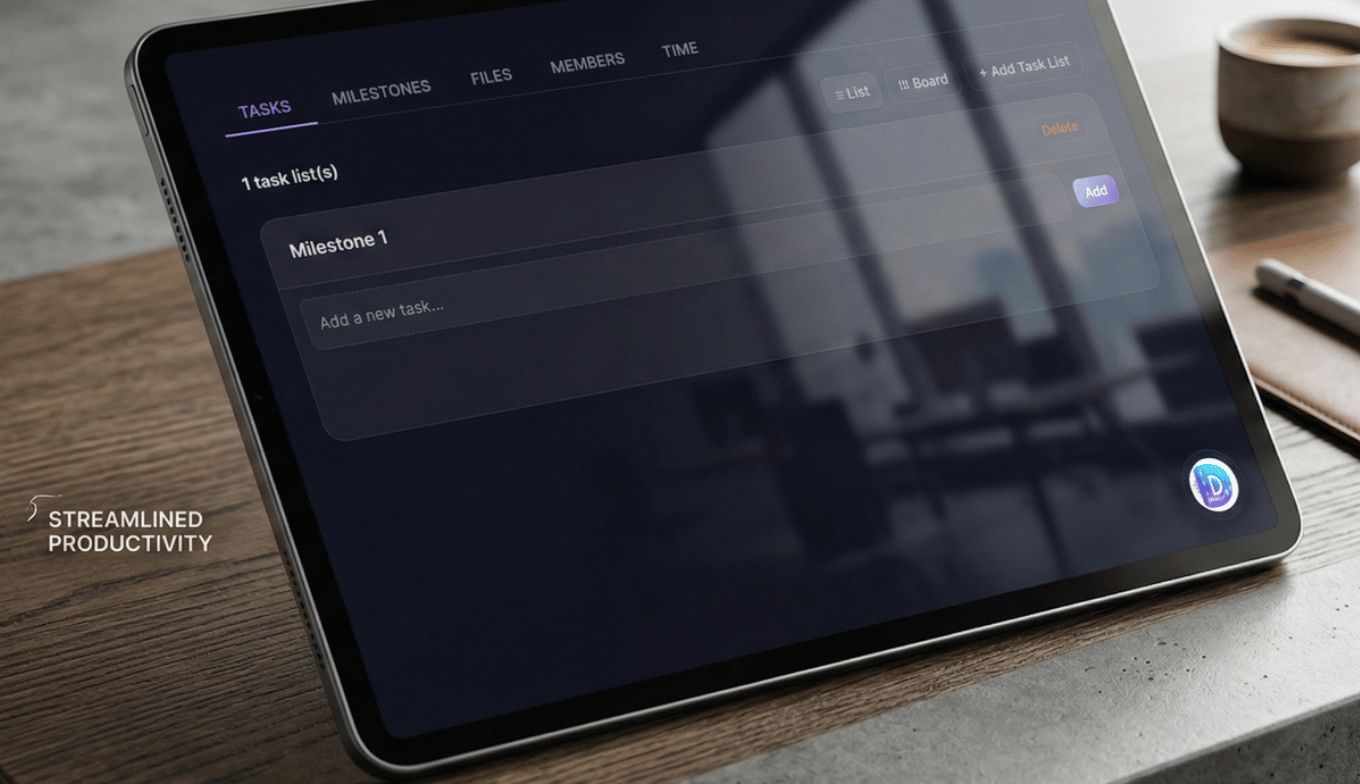
Dynamic Task Views
Toggle between a structured List Mode for detail-oriented tracking or a Kanban Board for high-velocity visual workflow management.
Milestone Synchronization
Organize tasks into high-level achievements. Map these directly to your Sales Team Proposals, ensuring what was promised is what is delivered.
Unified File Repository
Keep all assets in context. Upload files directly to the workspace or link live Google Docs for real-time collaborative editing.
Precision Time Tracking
Log billable hours at the task level or view the aggregate time spent on the entire project to ensure maximum profitability.
LEO AI: Your Lead
Project Coordinator
LEO acts as the connective tissue between your ideas and your team’s execution.
Automated Task Generation
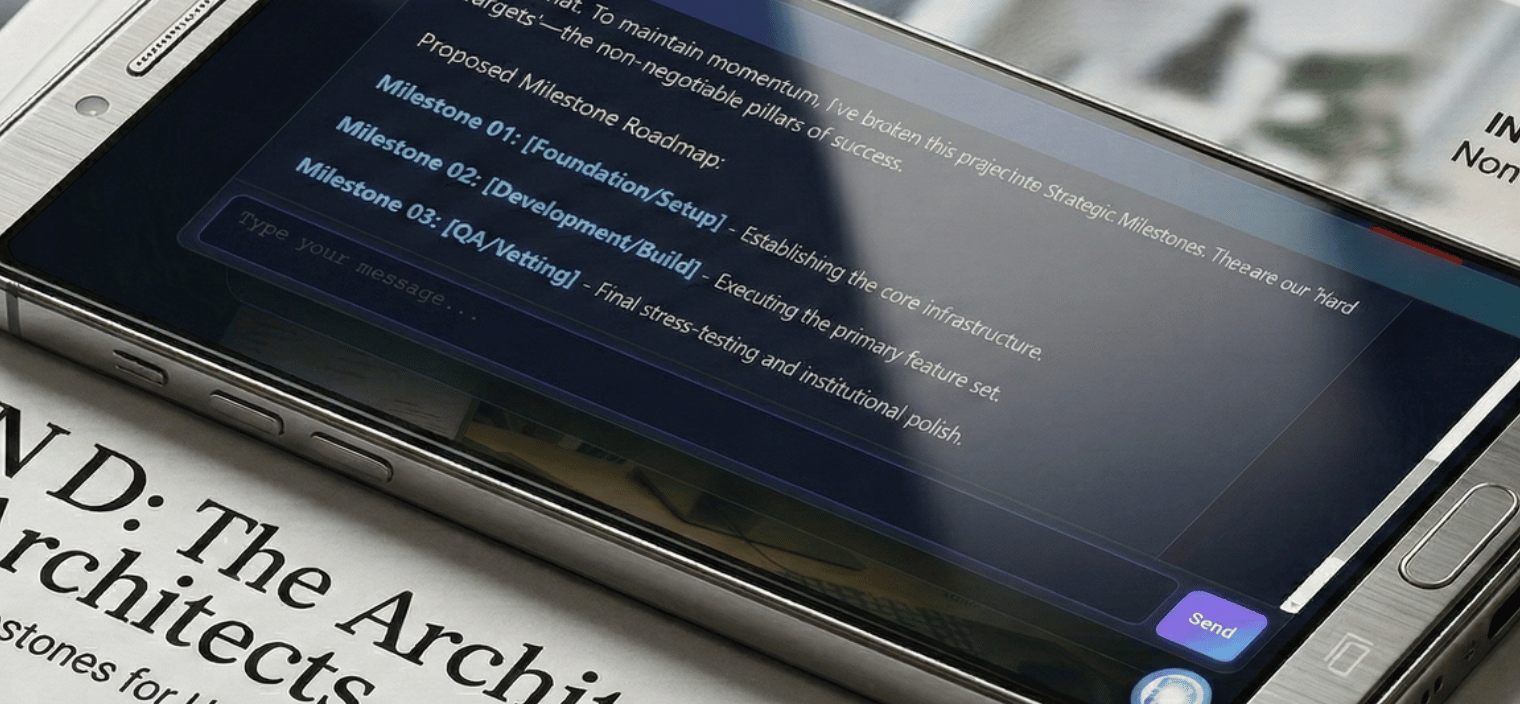
Describe a project goal, and LEO instantly breaks it down into logical tasks, sub-tasks, and milestones, ready for assignment.
Resource Optimization
LEO analyzes your team’s calendar and current task load to suggest the most efficient path to project completion.
Template Architect
Build complex project templates that trigger automatically based on specific store sales or new lead captures.
Select Your Deployment Level
High-performance infrastructure integrated with the Leo AI Assistant.